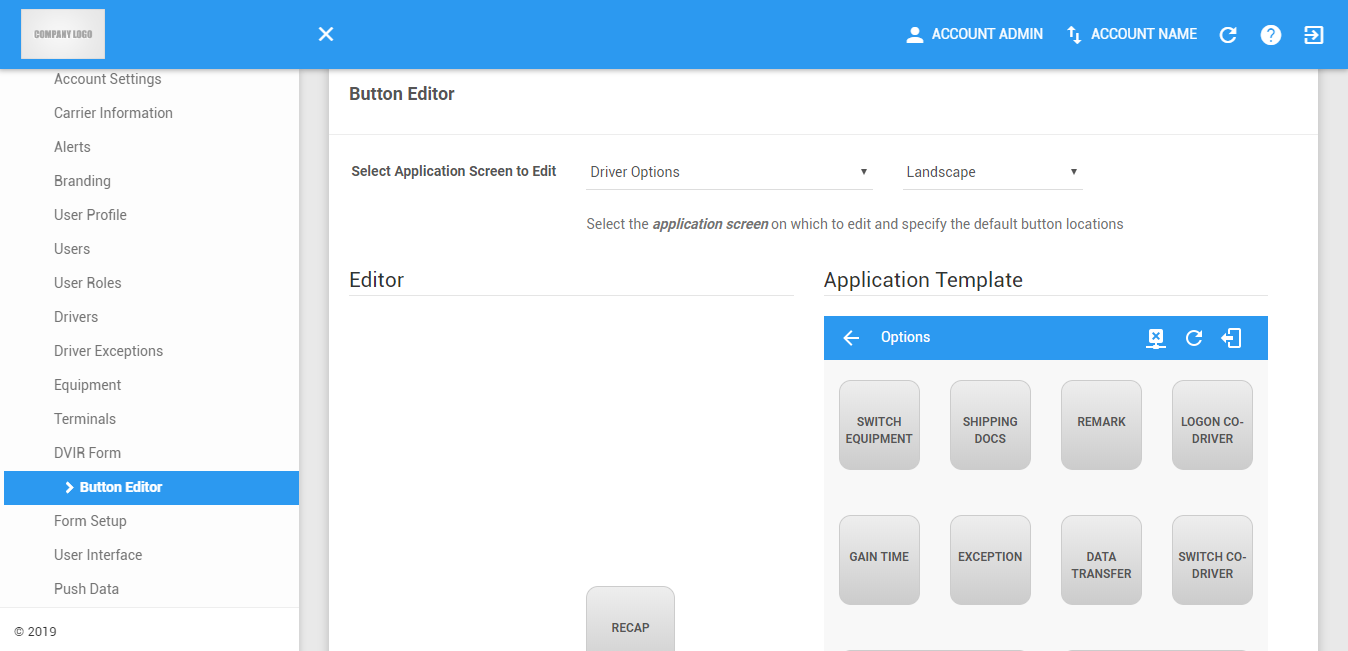
The Button Editor Page allows the user to configure how the buttons appear on the application. Buttons can be rearranged and renamed on an account basis. Two application screens can be modified in portrait and landscape. If a user's account does not have any product modules selected, the "HOS" side-panel group is hidden.
Switching Application Screens and Layout
1. You can switch between application screens and layouts using the two drop-down filters below.

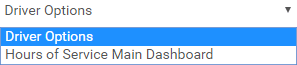
2. Click the first drop-down menu to select which application screen to edit.
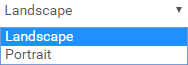
3. Click the first drop-down menu to select which layout to edit.
Editing the Screen Buttons
1. Resetting the Application Template
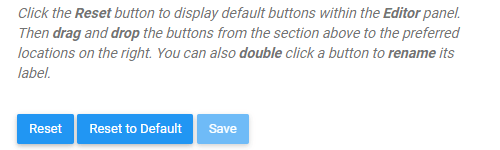
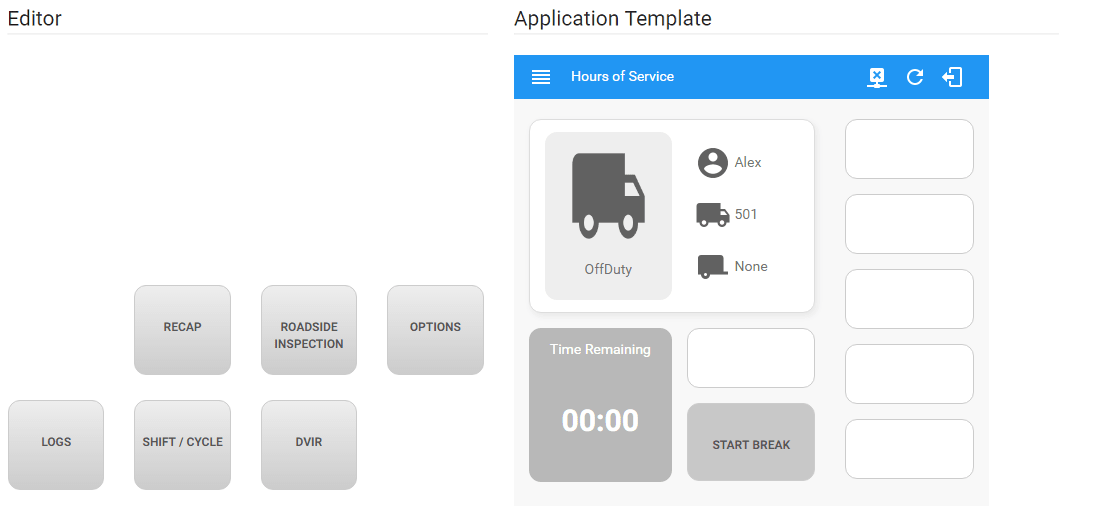
1.1 Click on the Reset button to start editing the buttons. You can click this button anytime you make a mistake or you want to make changes to the button arrangement in the Application Template.

1.2 This will reset buttons on the Application Template (right-side) to the Editor (left-side).
1.3 Click on the Reset to Default button to reset the button arrangement back to their original or default layout.
2. Rearranging the buttons
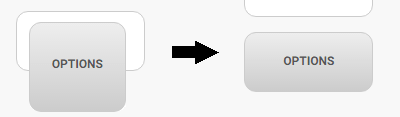
2.1 Click and drag a button from the Editor.

2.2 Drop the button to any of the vacant button slots on the Application Template
3. Renaming a button label
3.1 Double-click on a button to rename its label.
3.2 The Rename Button dialog will then be shown.
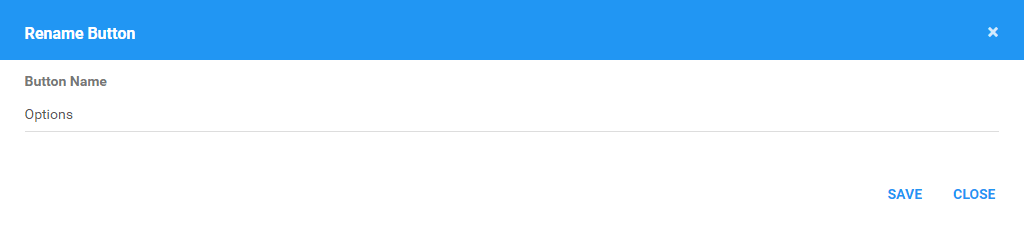
3.3 Enter the new button name on the field.
3.4 Click the Save button to save the new label. You can also click on the Close button to cancel renaming the button.

4. Saving the button configuration
4.1 Click on the Save button to save the button layout for the screen.

4.2 The saved button configuration will then reflect to the screens of the application.
Was this article helpful?
That’s Great!
Thank you for your feedback
Sorry! We couldn't be helpful
Thank you for your feedback
Feedback sent
We appreciate your effort and will try to fix the article