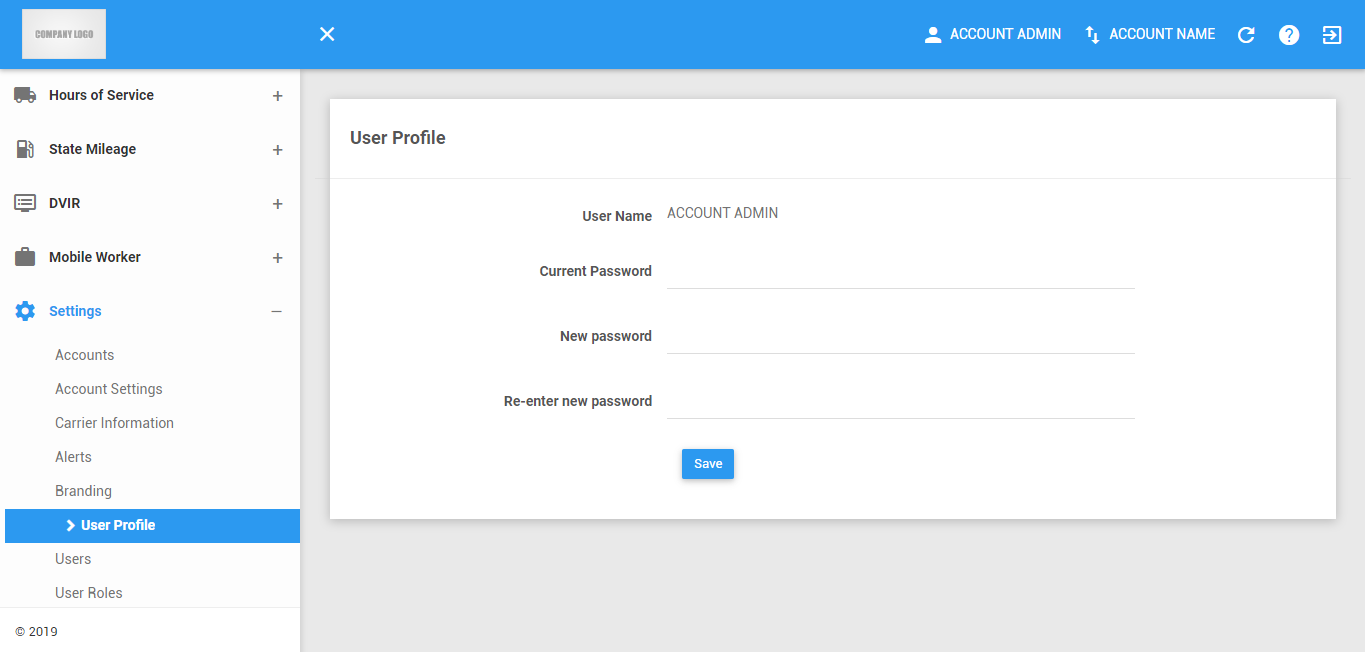
The User Profile Page is where you can change your password
Password
1. Change Password
1.1 Type the current password on the field.

1.2 Type the new password.

1.3 Re-type the new password you entered on the previous field.
A message will display when your passwords didn’t match.

1.4 Click button to submit the new password you enter.
This button will be enabled when you filled all the fields.

Was this article helpful?
That’s Great!
Thank you for your feedback
Sorry! We couldn't be helpful
Thank you for your feedback
Feedback sent
We appreciate your effort and will try to fix the article