The User Interface Page is where you can set for the system refresh and preferred language.
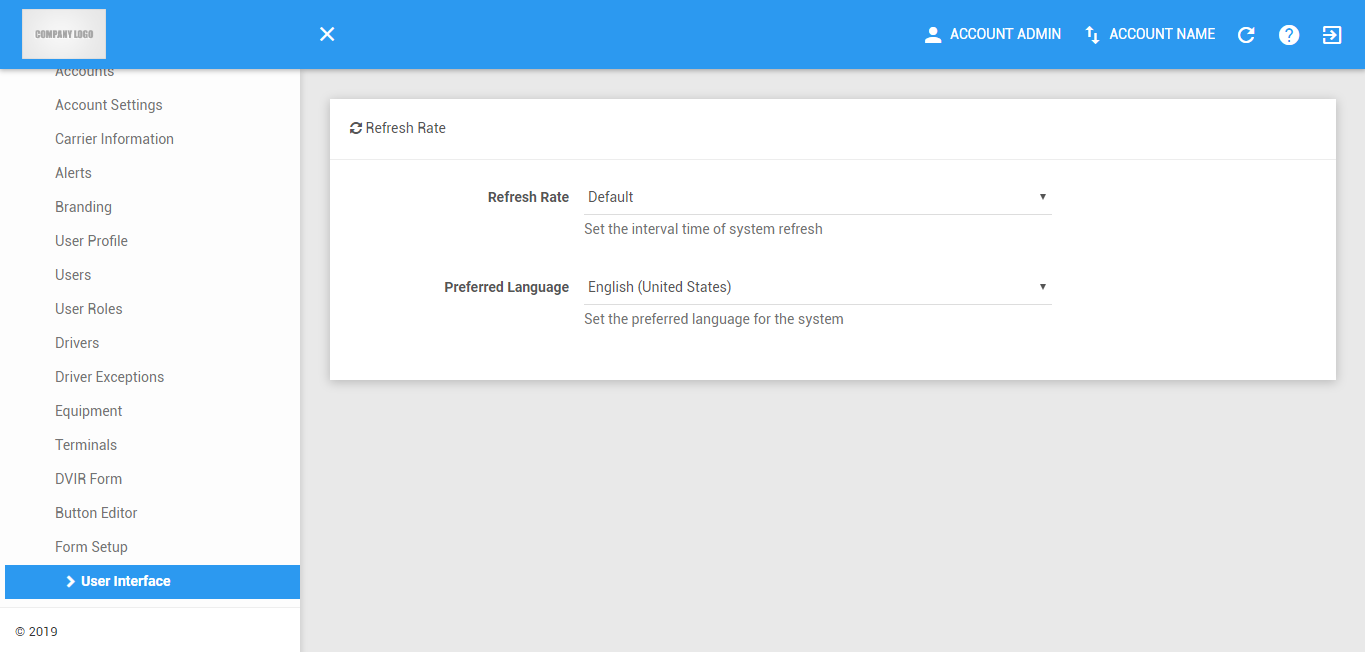
Refresh Rate
1. Change Refresh Rate
Select time rate. Every module will then refresh the record base on the time selected on User Interface page. Selection of 30 seconds refresh rate will enable the page to refresh every after 30 seconds.
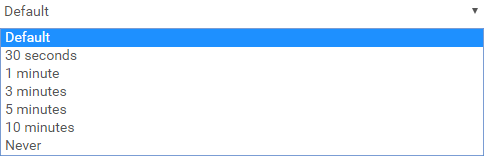
NOTE: This is cache basis validation, so whenever you close the browser and reopen it, it will return to default value.
Preferred Language
1. Select Preferred Language
Select between English (United States), Español (Estados Unidos) and Français (Canada) to be the language in the portal.

Was this article helpful?
That’s Great!
Thank you for your feedback
Sorry! We couldn't be helpful
Thank you for your feedback
Feedback sent
We appreciate your effort and will try to fix the article