Este artículo no está disponible en Spanish. Consúltalo en English.
1. Log in to the Azuga Fleet Web application.
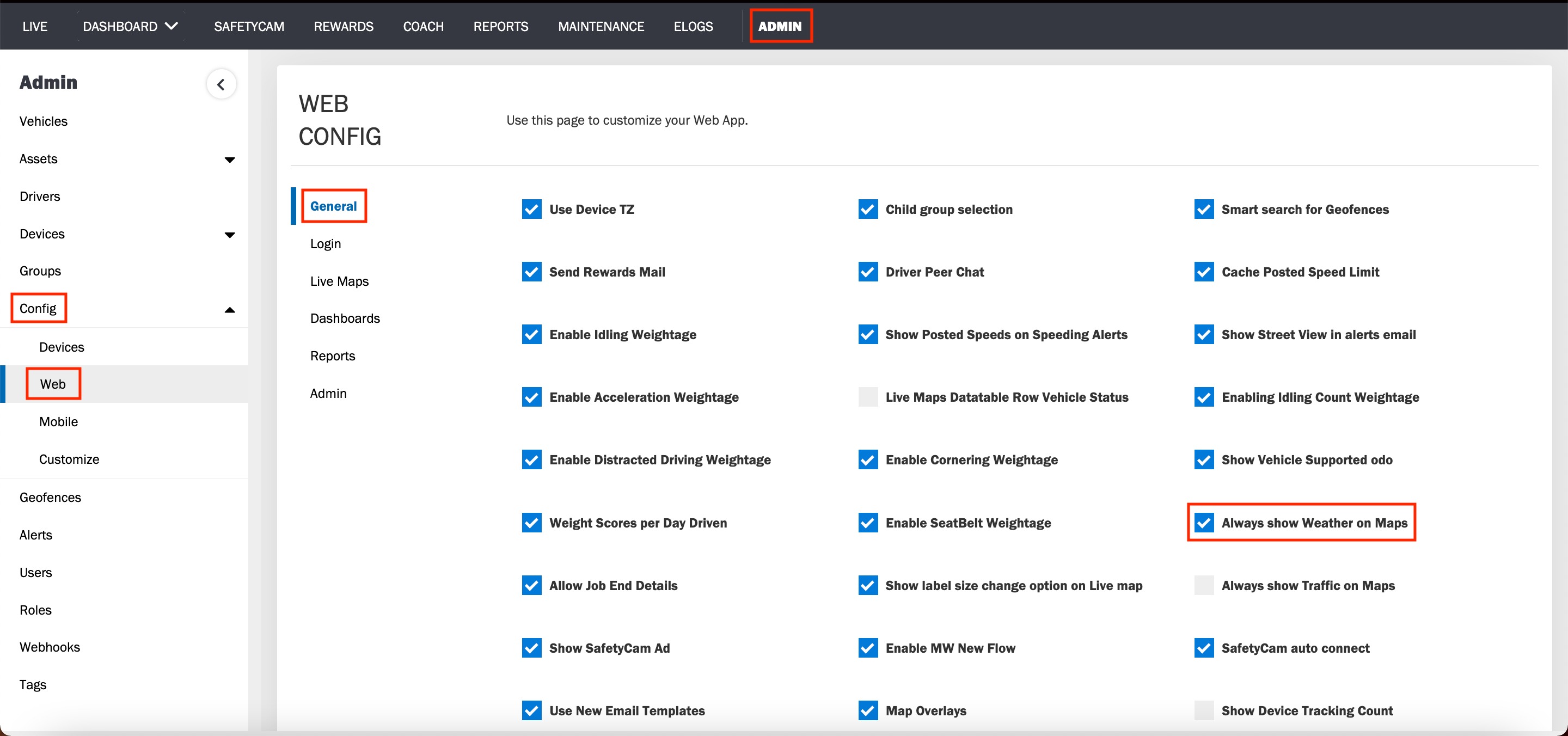
2. Navigate to the Config page, under the ADMIN tab.
3. Click Web and then click General.
4. Tick the Always show Weather on Maps box to see weather information on Live Maps. To disable this feature, uncheck the box.
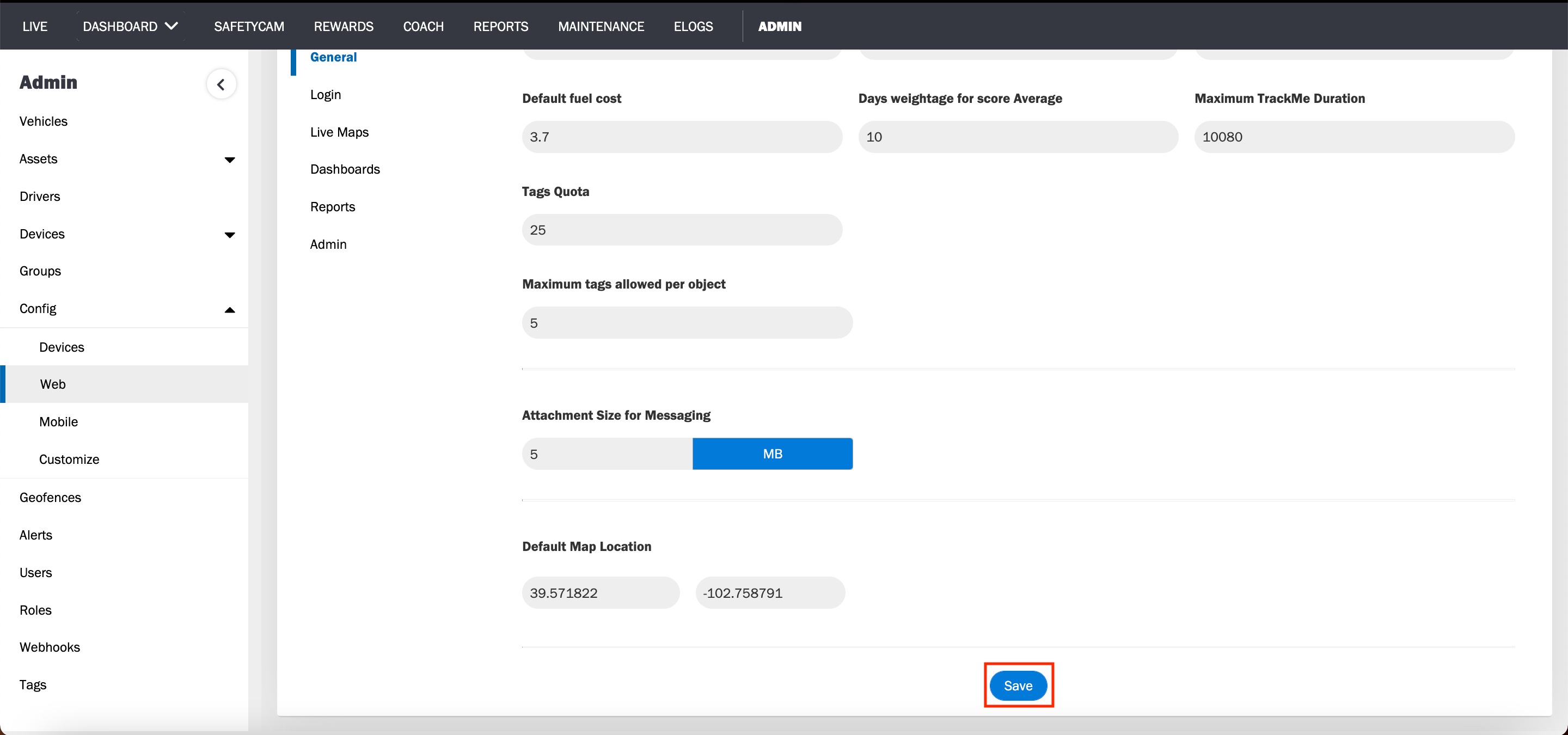
5. Click Save and reload the page.
Was this article helpful?
That’s Great!
Thank you for your feedback
Sorry! We couldn't be helpful
Thank you for your feedback
Feedback sent
We appreciate your effort and will try to fix the article