To locate the nearest vehicle to a location on the web application:
1. Login to the Azuga Fleet Web application.
2. Navigate to the LIVE page.
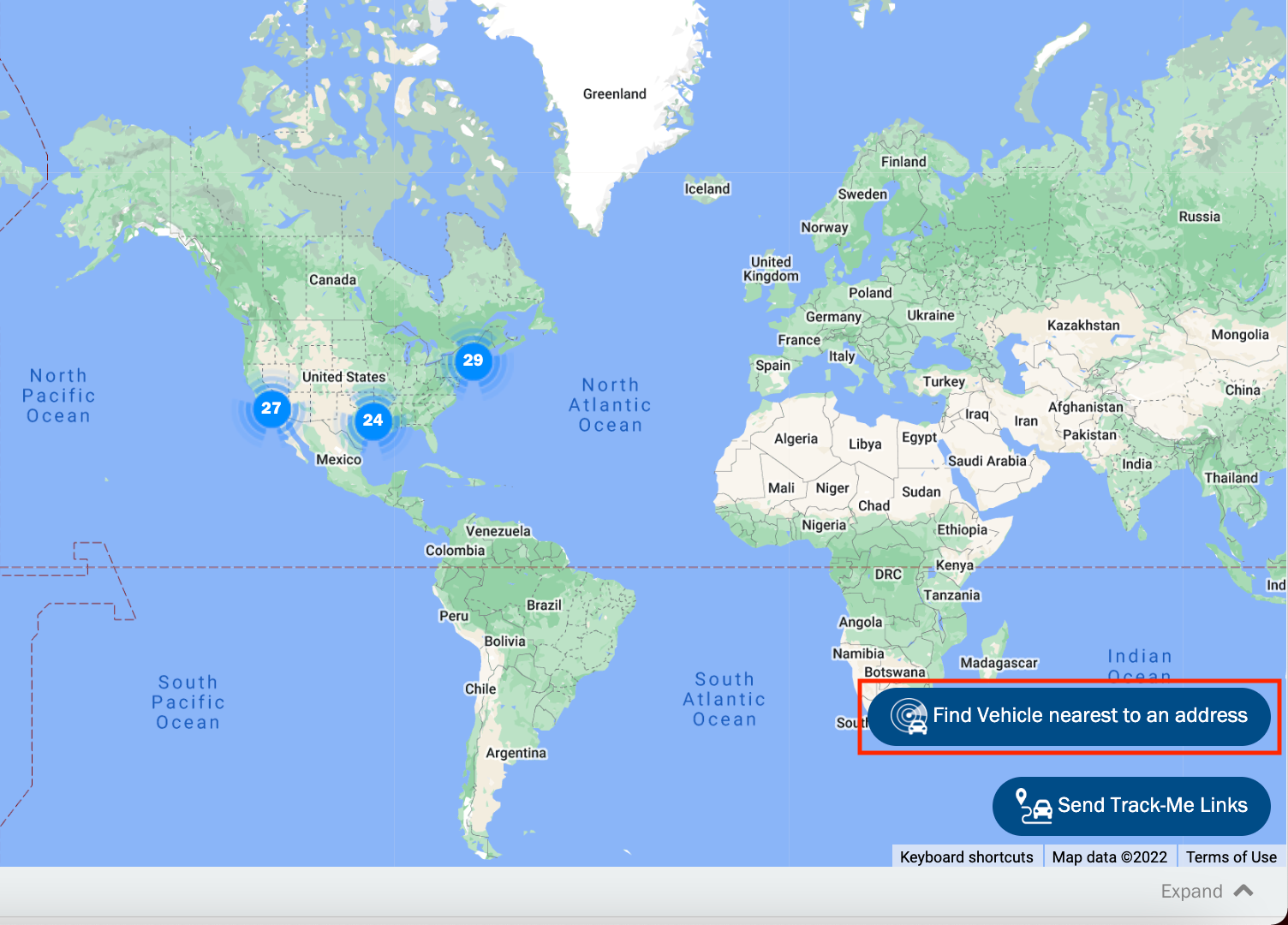
3. Click the Find Vehicle nearest to an address button and select the Address tab.
4. Enter the location and radius of search.
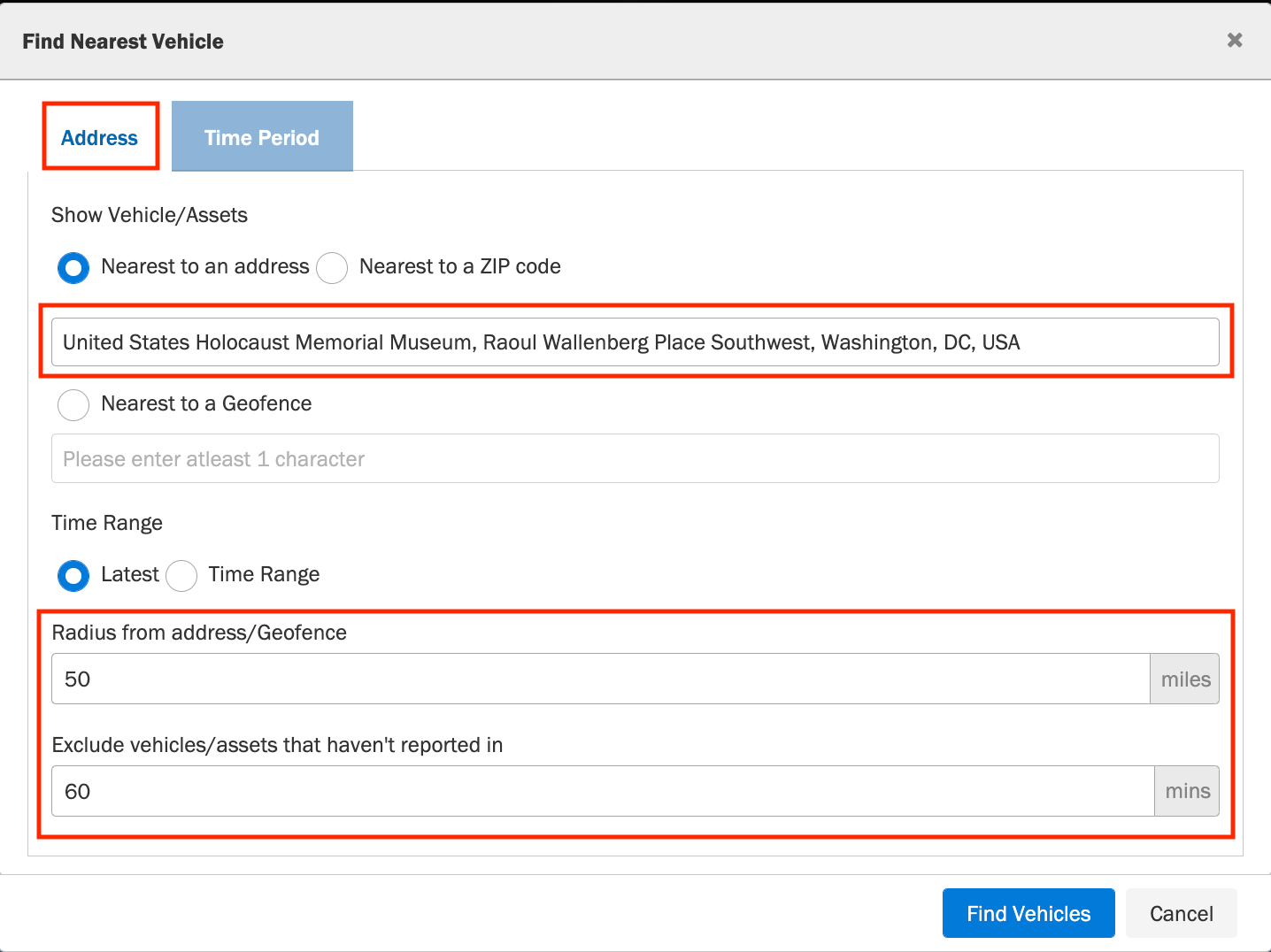
5. Enter a value in minutes in the Exclude vehicles that haven't reported in text box.
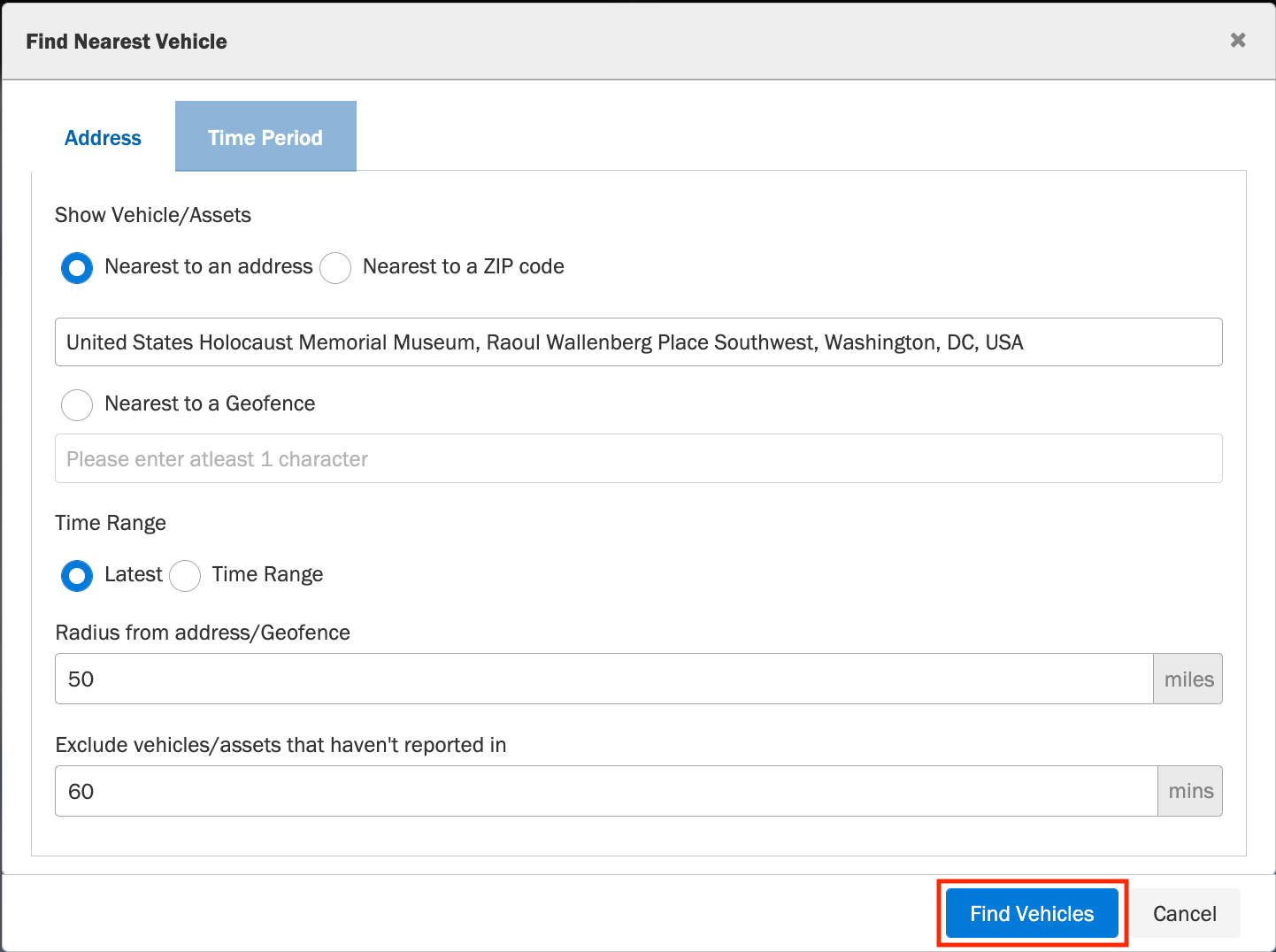
7. Click the Find Vehicles button. This will display all the vehicles near the location you specified.
Was this article helpful?
That’s Great!
Thank you for your feedback
Sorry! We couldn't be helpful
Thank you for your feedback
Feedback sent
We appreciate your effort and will try to fix the article