Este artículo no está disponible en Spanish. Consúltalo en English.
To invalidate a Track-Me link:
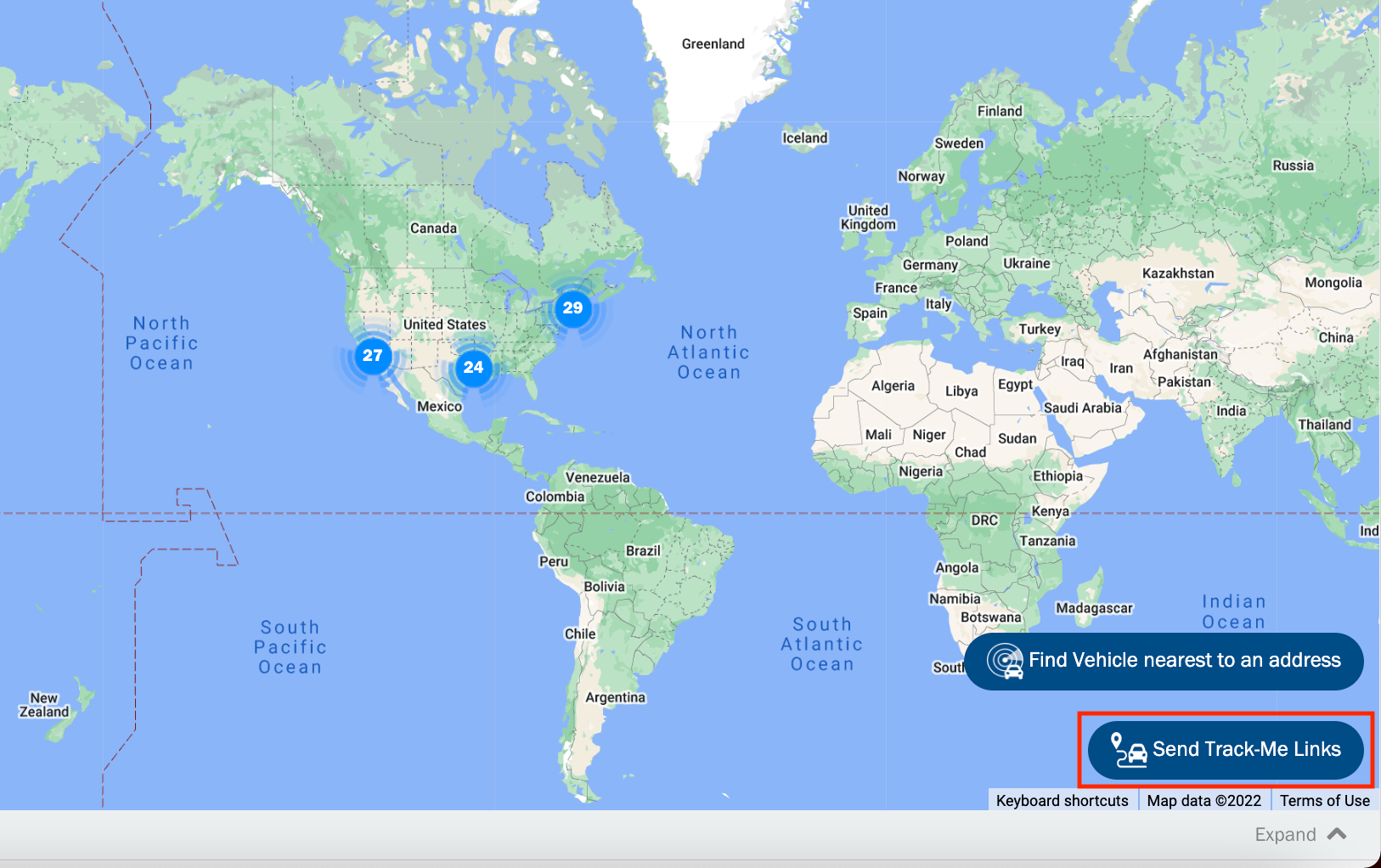
a. From LIVE map page, click the Send Track-Me Links.
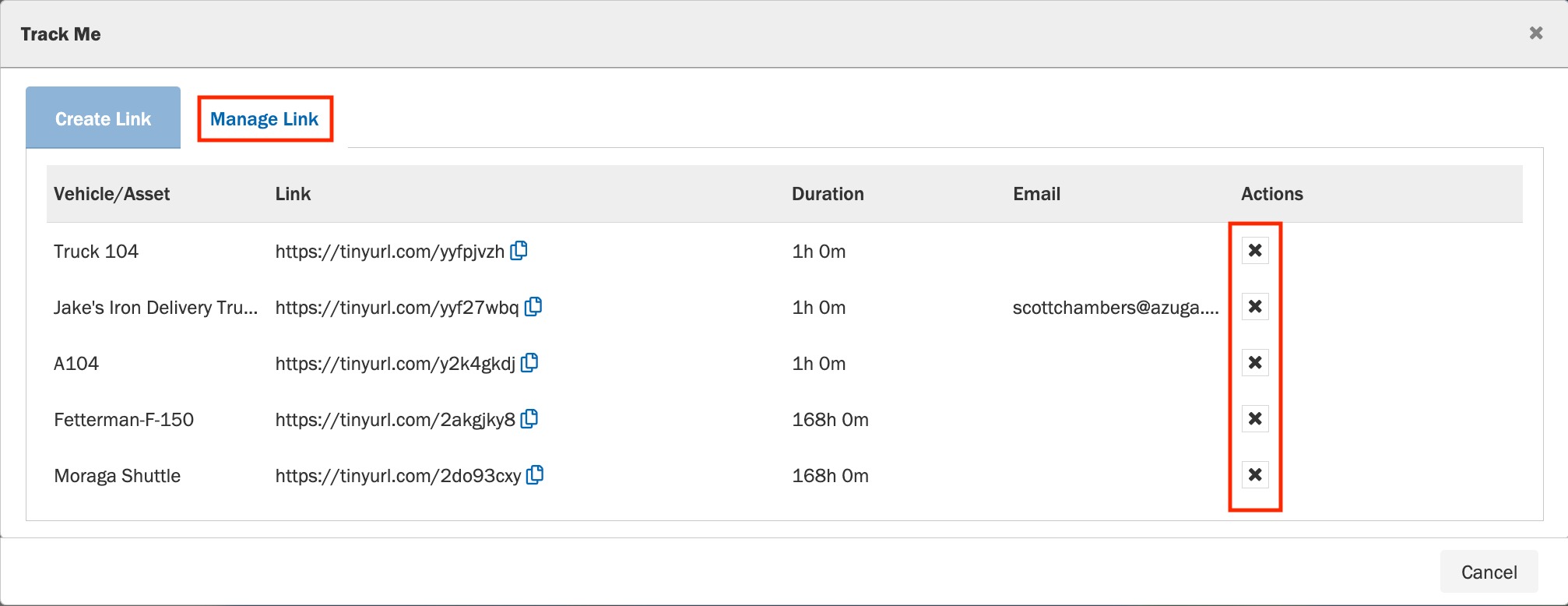
b. Select the Manage Link tab. This tab contains the list of active Track-Me links in your account.
c. Click the cross icon of the link you want to invalidate.
Was this article helpful?
That’s Great!
Thank you for your feedback
Sorry! We couldn't be helpful
Thank you for your feedback
Feedback sent
We appreciate your effort and will try to fix the article