The DVIR Reports provides access to various detailed reports on driver's daily driving history in addition to any history changes which may have been performed. Simply click on the buttons to display the dialog corresponding to the report you want to generate.
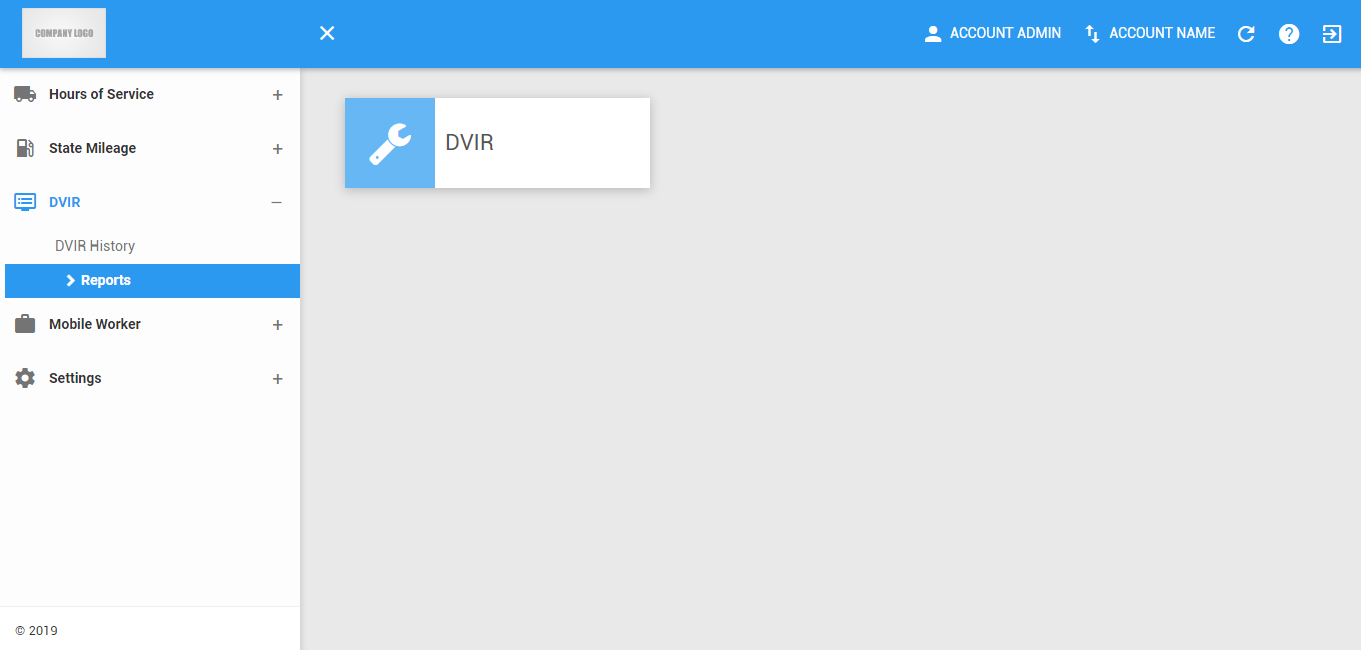
Note: This page can only be accessed if the user has permission to view the portal DVIR reports tab and has DVIR product enabled both in account and user.
DVIR Report
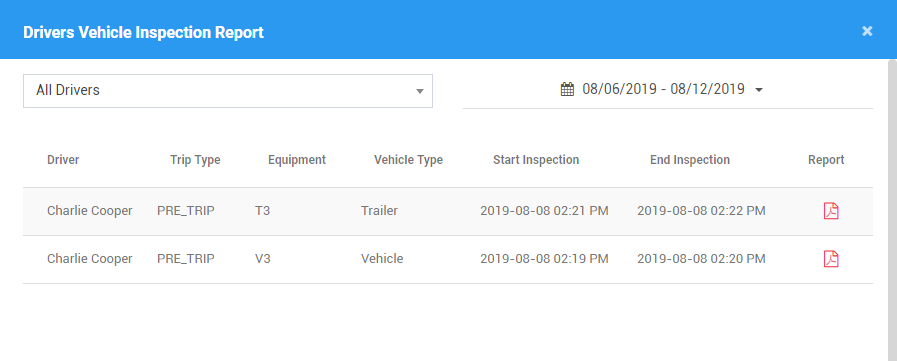
1. DVIR Filters
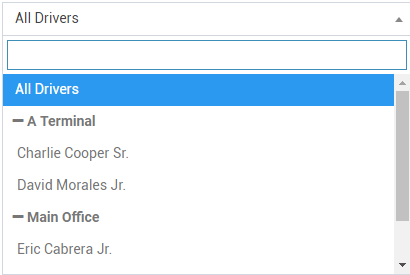
1.1 Click on the All Drivers drop-down list.

1.2 Select the driver's name in the drop-down list. Drivers are grouped by their respective terminals. If a driver has an alias or Driver ID, it is shown before his/her name.
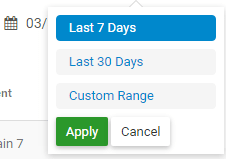
1.3 Click on the Date Picker.

1.4 Select the date range for the report you want to generate.
2. DVIR Table
2.1 The table displays the filtered DVIR. Click on the PDF icon to view the report.
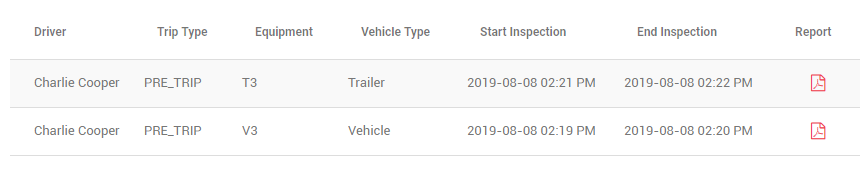
2.2 The DVIR report will be displayed in a new tab.
Was this article helpful?
That’s Great!
Thank you for your feedback
Sorry! We couldn't be helpful
Thank you for your feedback
Feedback sent
We appreciate your effort and will try to fix the article