Este artículo no está disponible en Spanish. Consúltalo en English.
To start you shift:
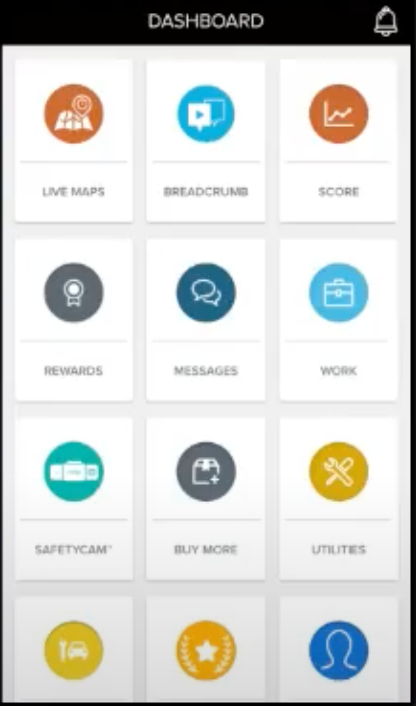
1. From your DASHBOARD, tap on the WORK tile.
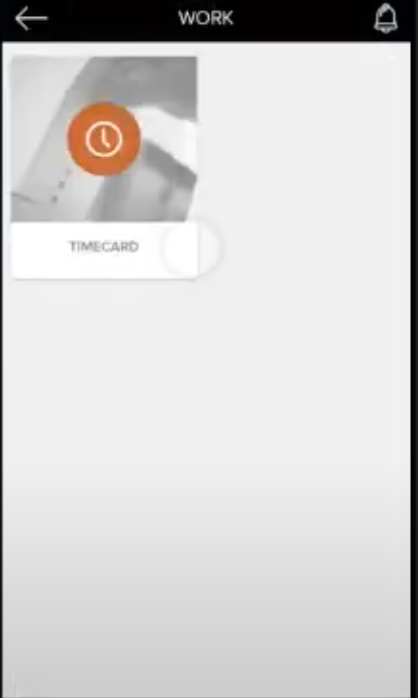
2. Tap on the TIMECARD tile.
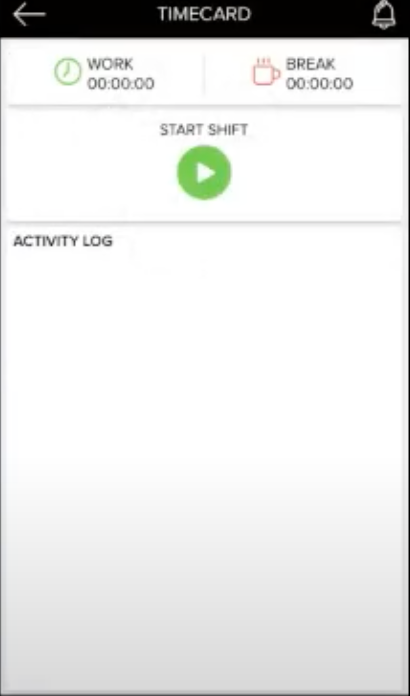
3. Tap on the START SHIFT button. A dialog box appears on your screen.
4. Add your comments in the text area. Comments can be used for reporting additional information that needs to be shown to your supervisor. For example, you can add comments like running late, starting an early shift etc.
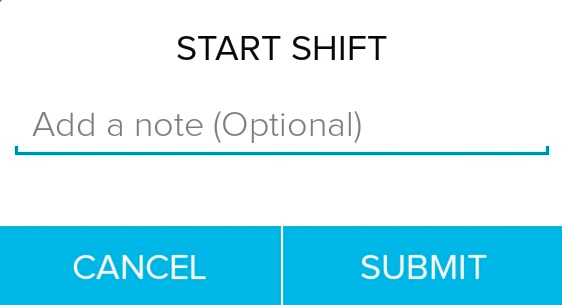
5. Tap on the submit button to start your shift.
Was this article helpful?
That’s Great!
Thank you for your feedback
Sorry! We couldn't be helpful
Thank you for your feedback
Feedback sent
We appreciate your effort and will try to fix the article