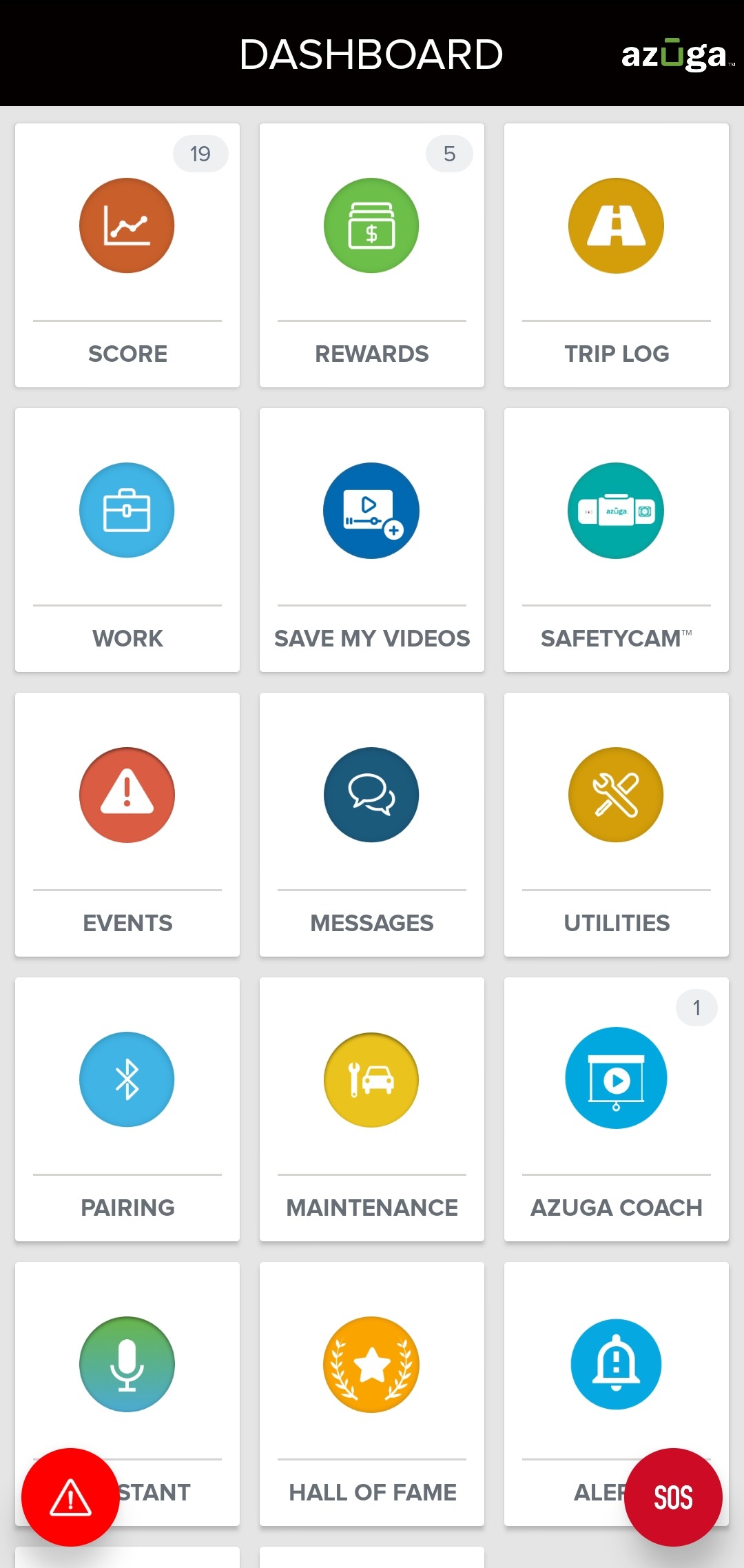
1. From your DASHBOARD, tap on the TRIP LOG tile.
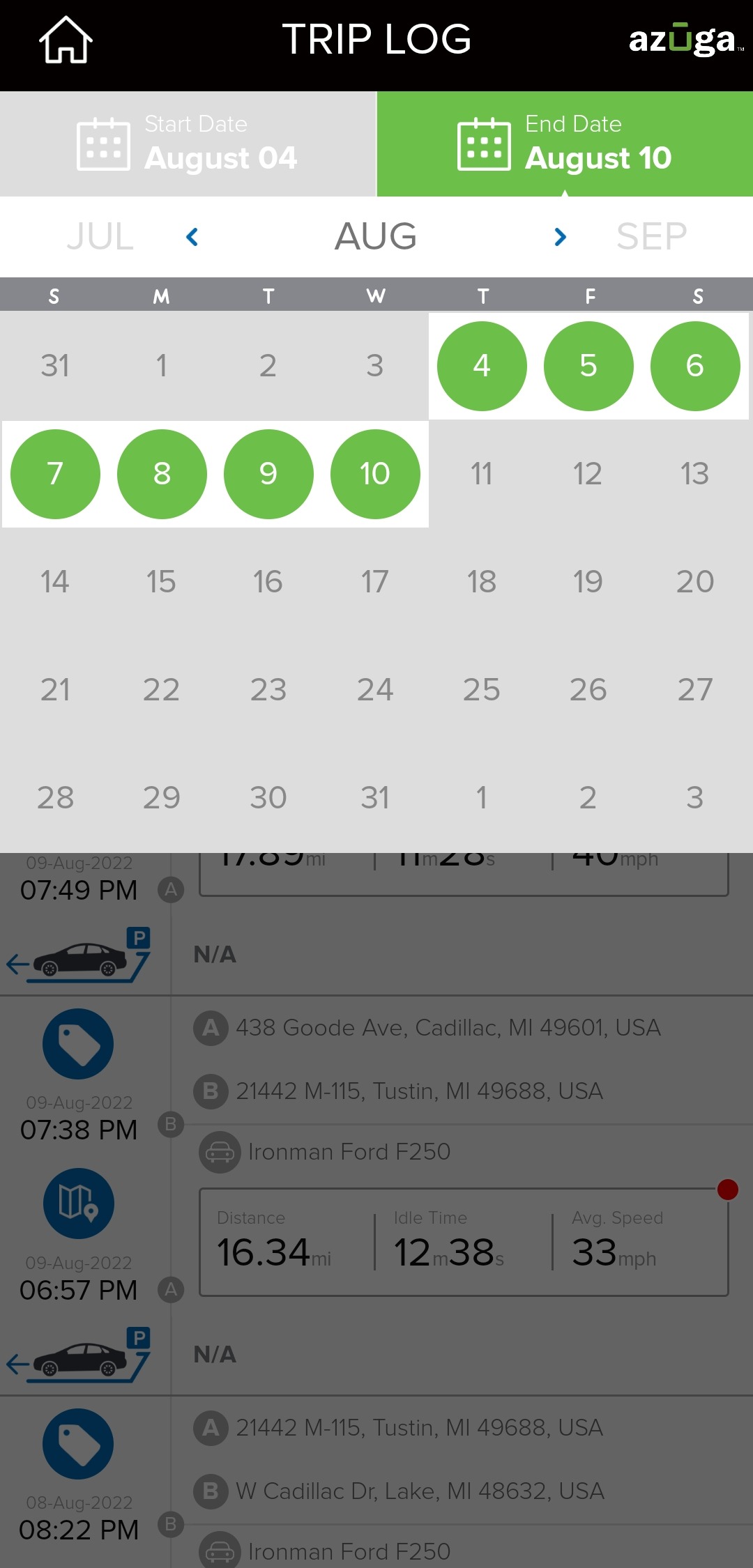
2. Using the date picker, select the date range. You will now be able to see all the trips you have taken during this period on the screen.
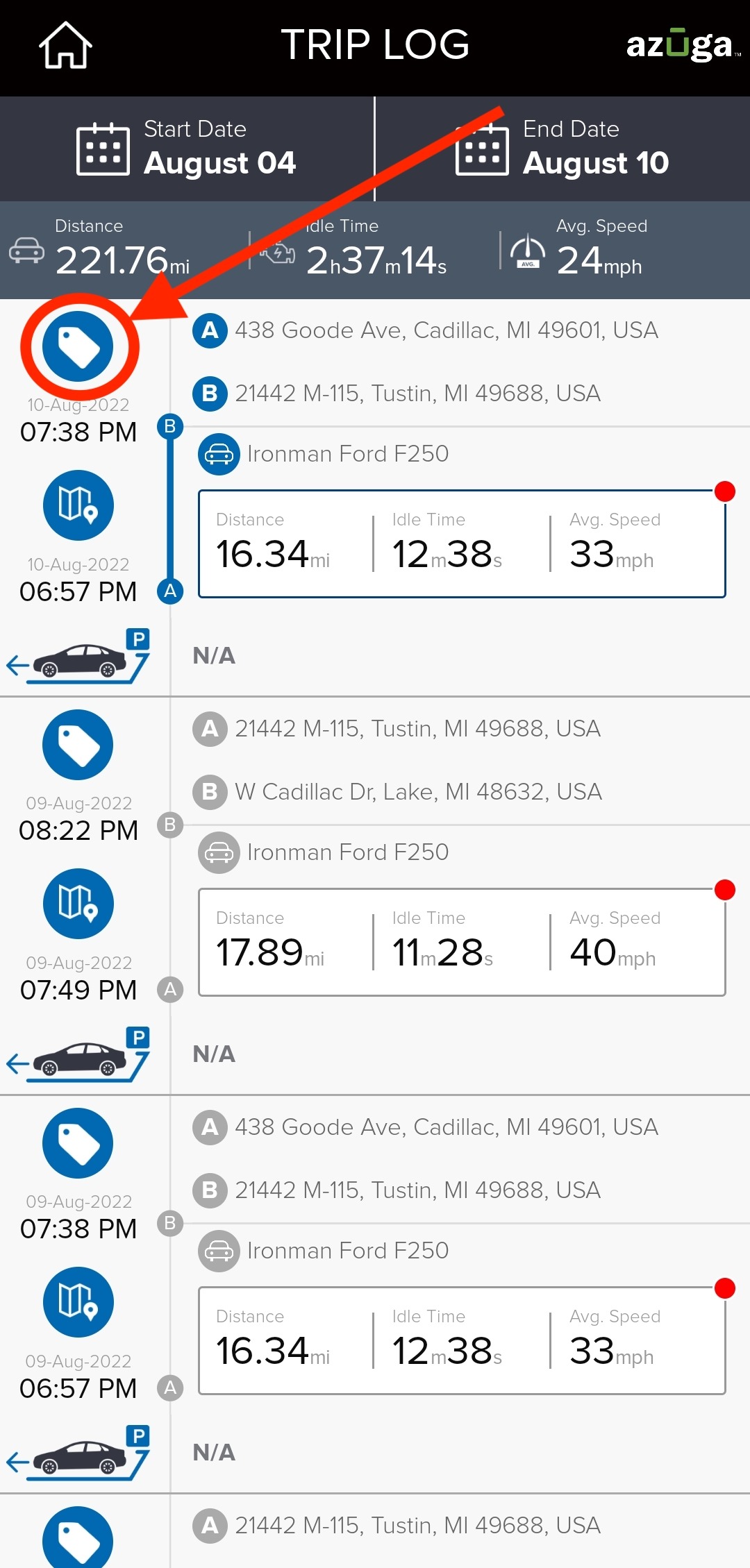
3. Tap on the label icon corresponding to the trip you wish to tag. You will be provided with tags available on your account.
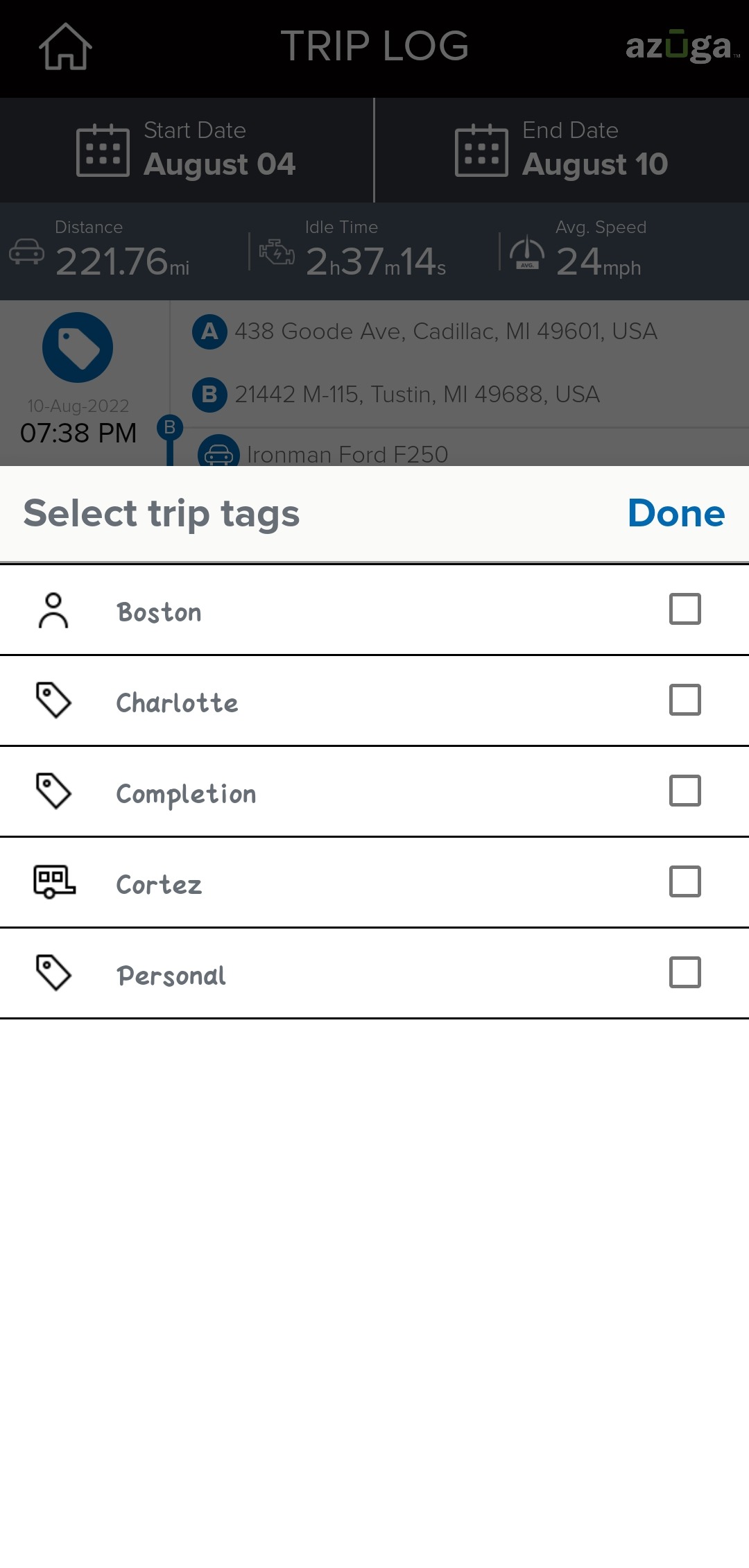
4. Tap on the tag you wish to associate with the trip.
Was this article helpful?
That’s Great!
Thank you for your feedback
Sorry! We couldn't be helpful
Thank you for your feedback
Feedback sent
We appreciate your effort and will try to fix the article