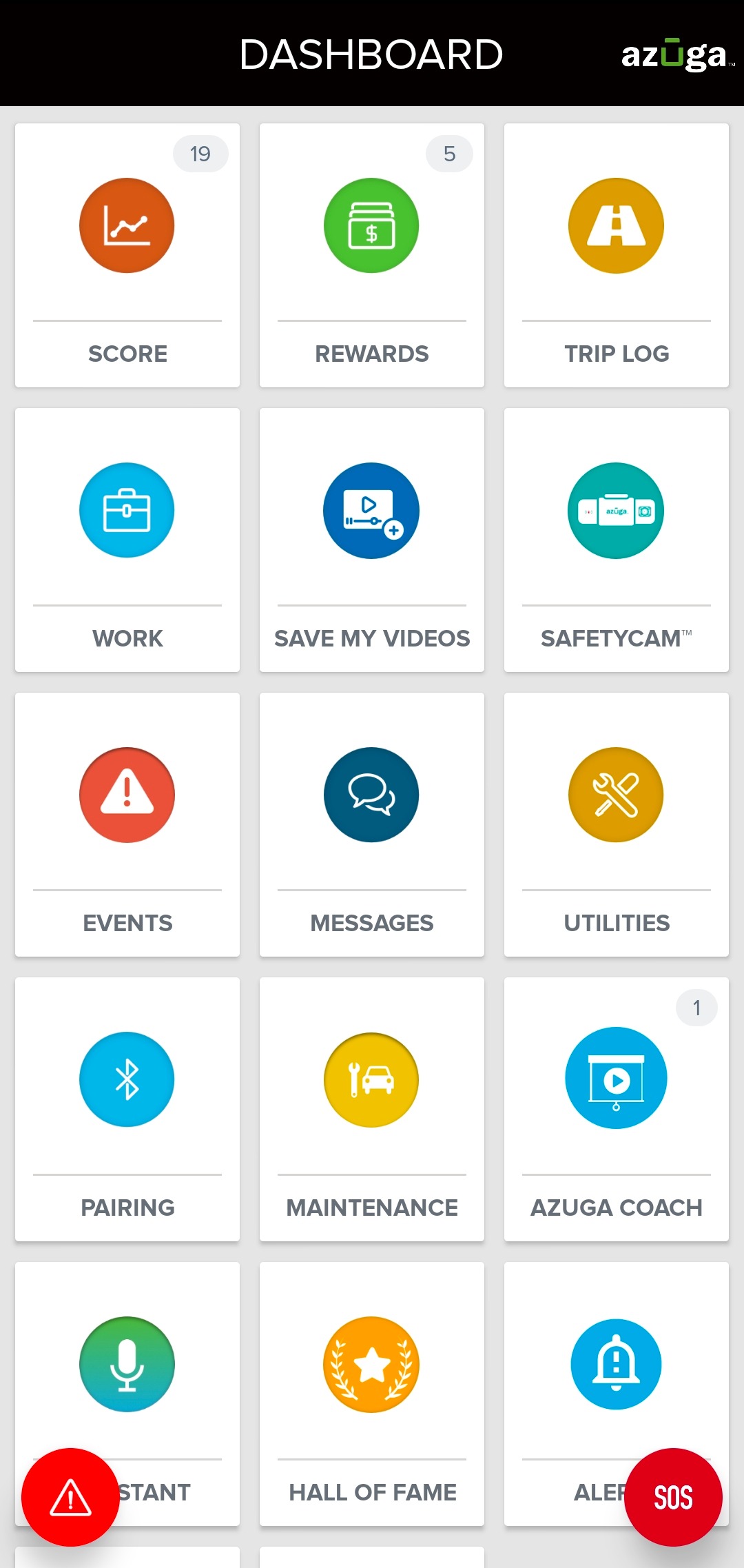
1. From your DASHBOARD, tap the MESSAGES tile.
2. From the CONTACTS tab, select a contact to whom you wish to send the file.
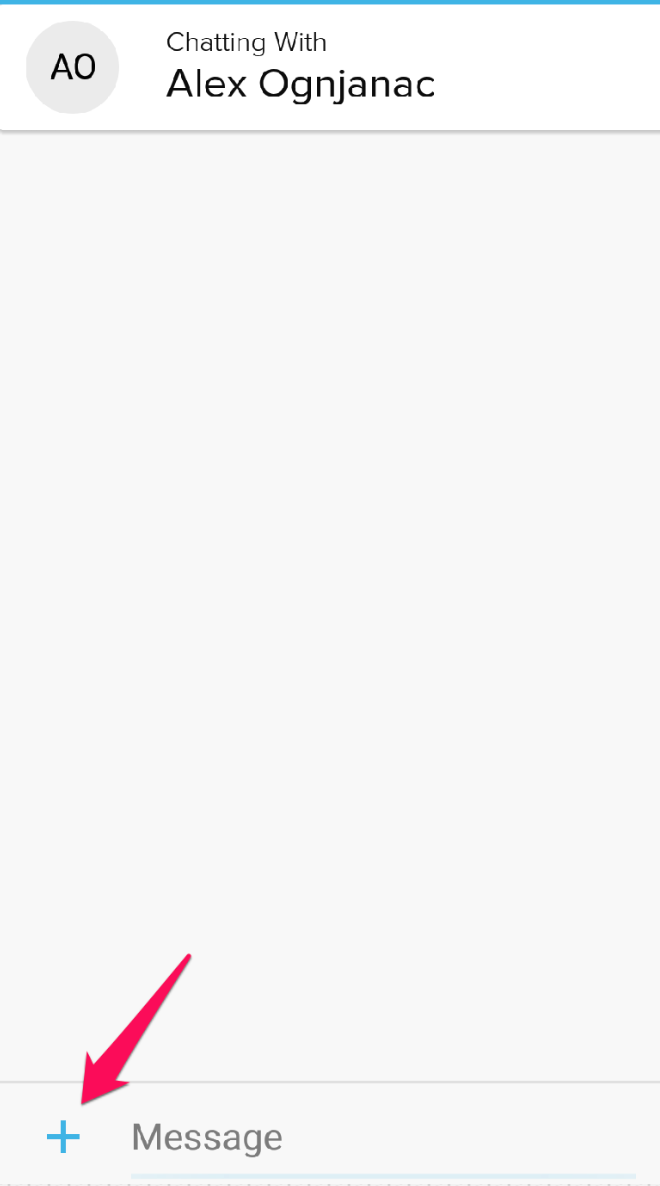
3. In the MESSAGES screen, tap the plus icon (+) in the bottom-left corner of the screen.
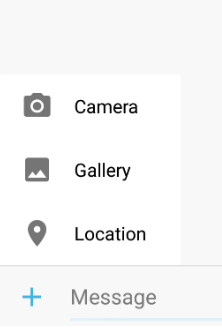
4. Select the file you wish to share.
Was this article helpful?
That’s Great!
Thank you for your feedback
Sorry! We couldn't be helpful
Thank you for your feedback
Feedback sent
We appreciate your effort and will try to fix the article