Este artículo no está disponible en Spanish. Consúltalo en English.
a. From your DASHBOARD, tap MESSAGES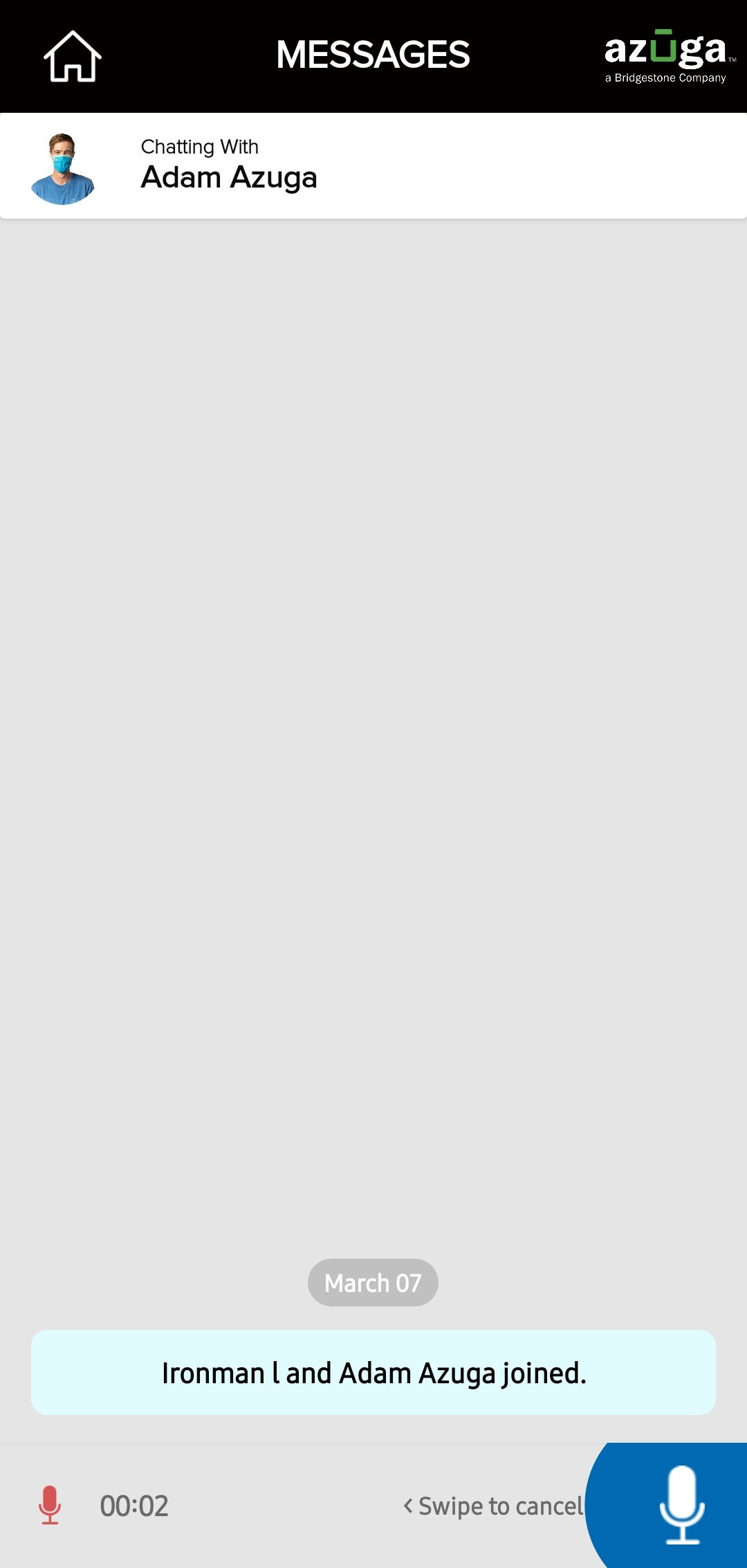
b. Select the contact/group to whom you wish to send the audio message
c. In the Messages screen, tap and hold the microphone icon at the bottom-left corner of the screen
d. Record your voice message. (Slide left to cancel the voice recording)
e. Release the microphone icon once you finish recording
Was this article helpful?
That’s Great!
Thank you for your feedback
Sorry! We couldn't be helpful
Thank you for your feedback
Feedback sent
We appreciate your effort and will try to fix the article