To add a contact to an existing group:
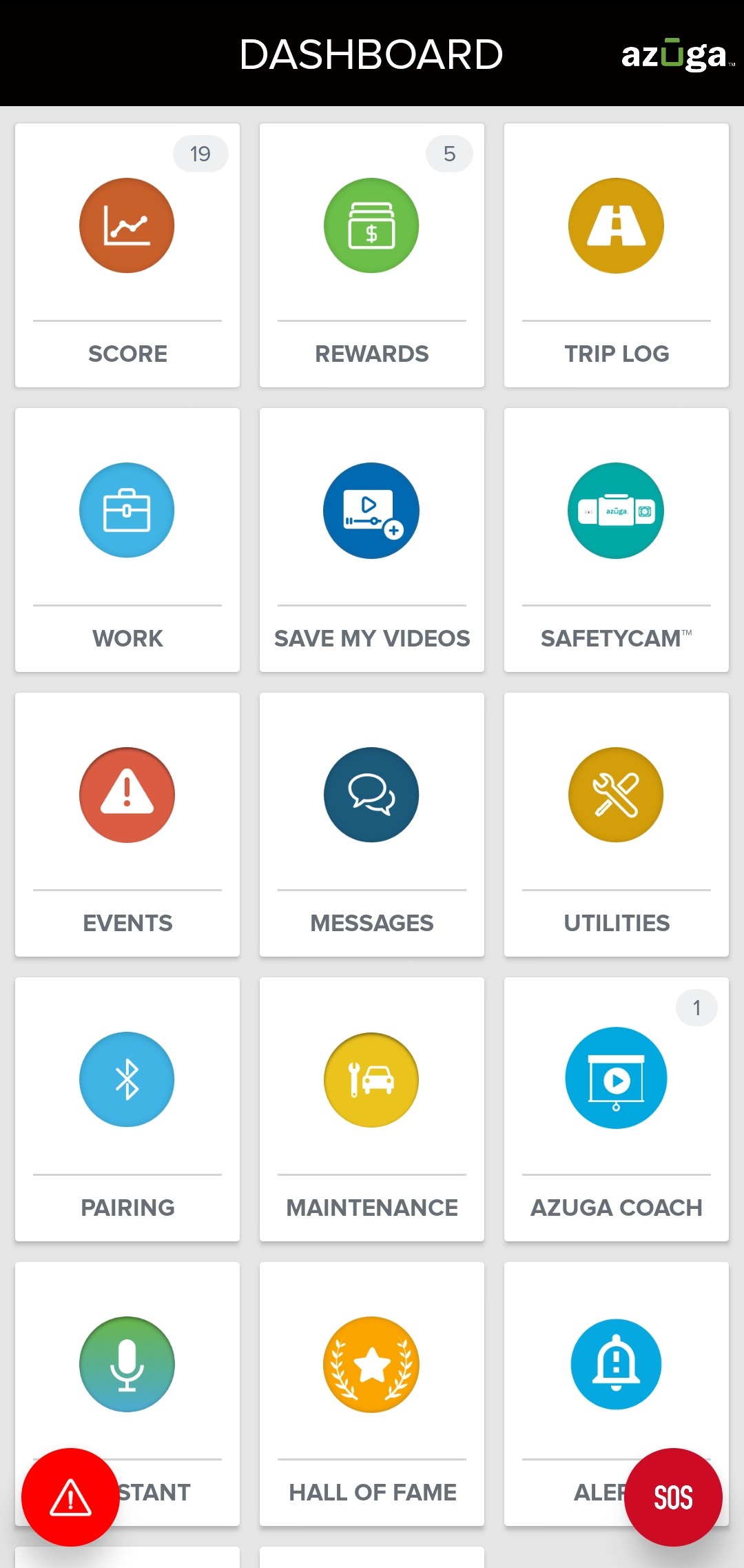
1. Tap MESSAGES tile from your DASHBOARD.
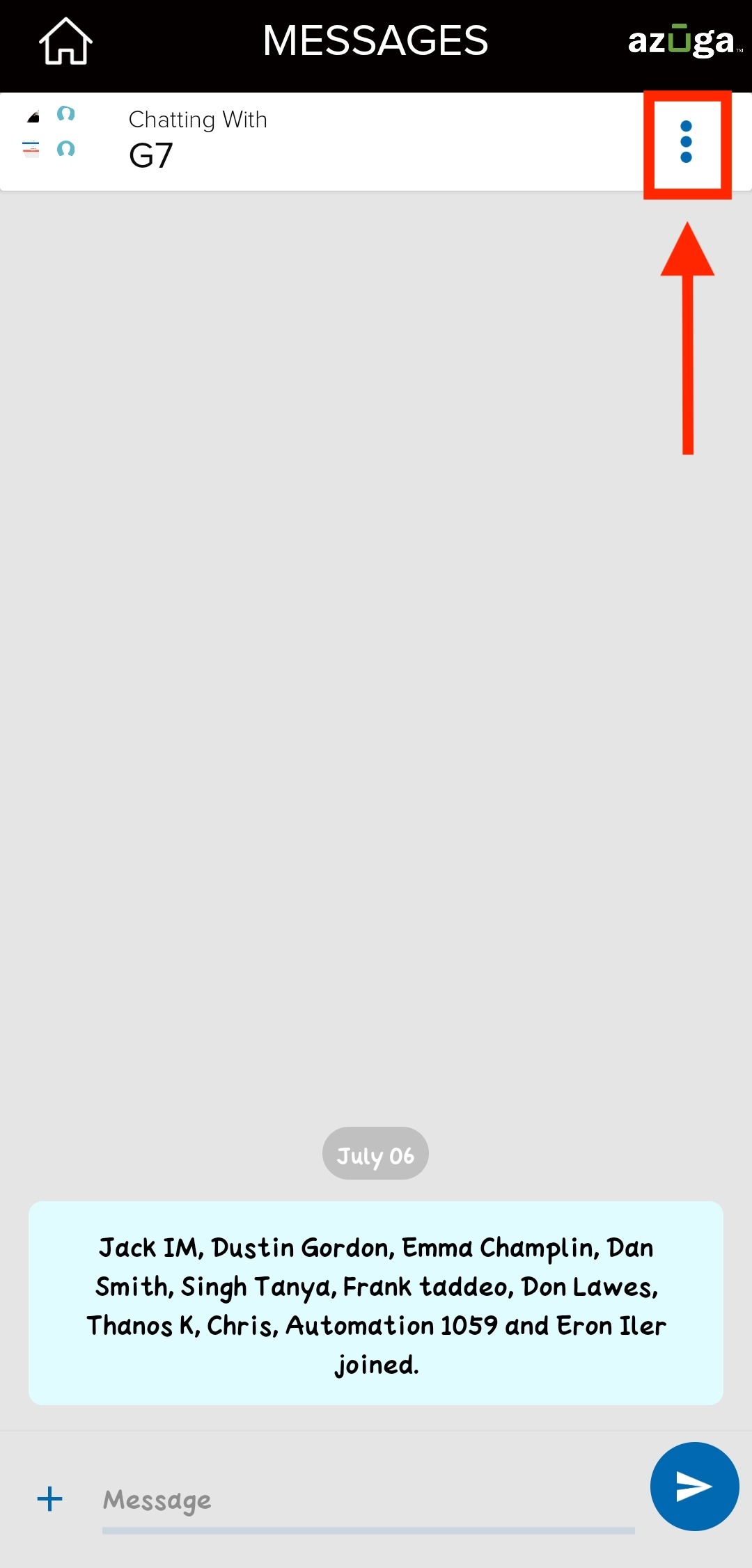
2. From MESSAGES, select the group to which you wish to add a contact.
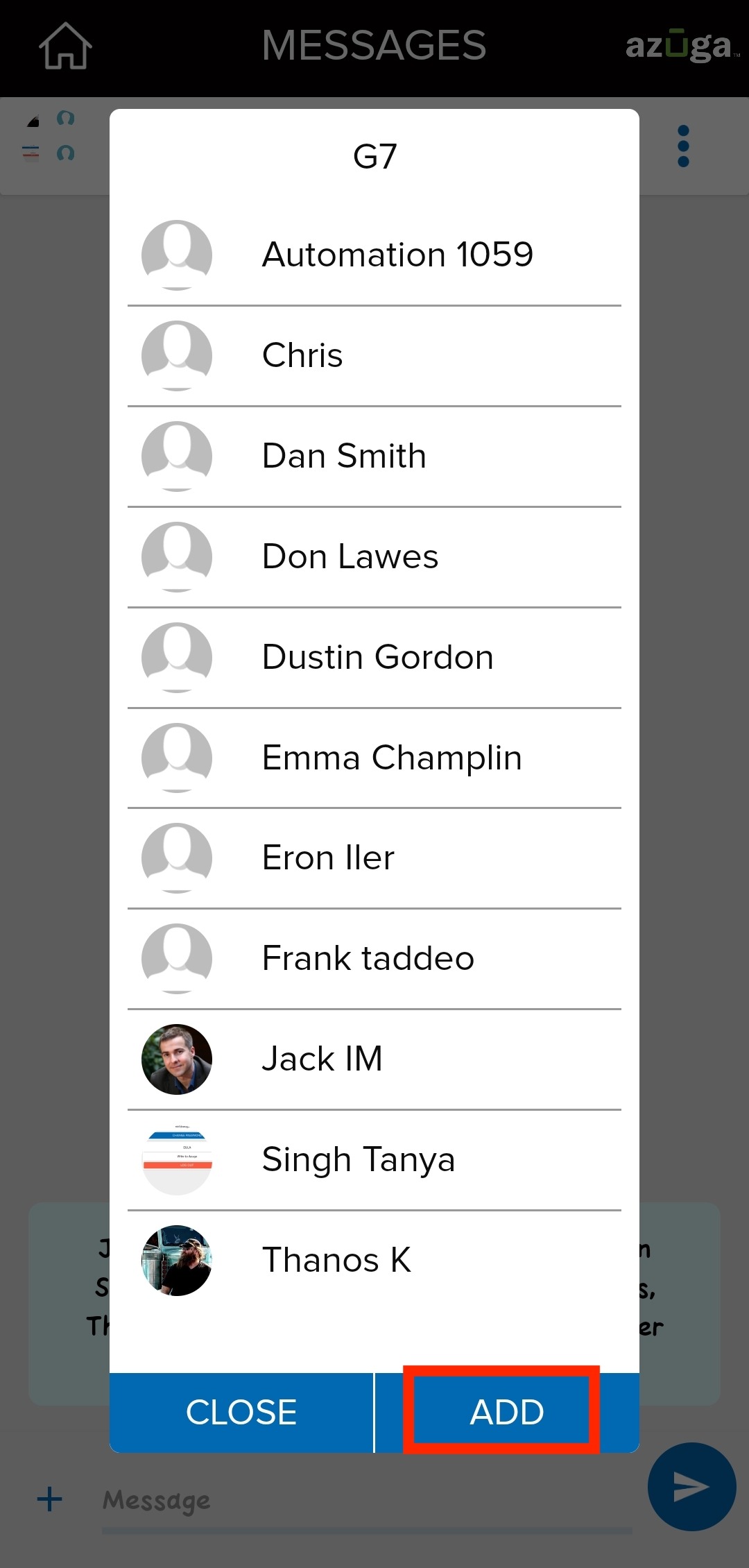
3. Tap the options icon. This will display the participants of the group.
4. Tap the ADD button.
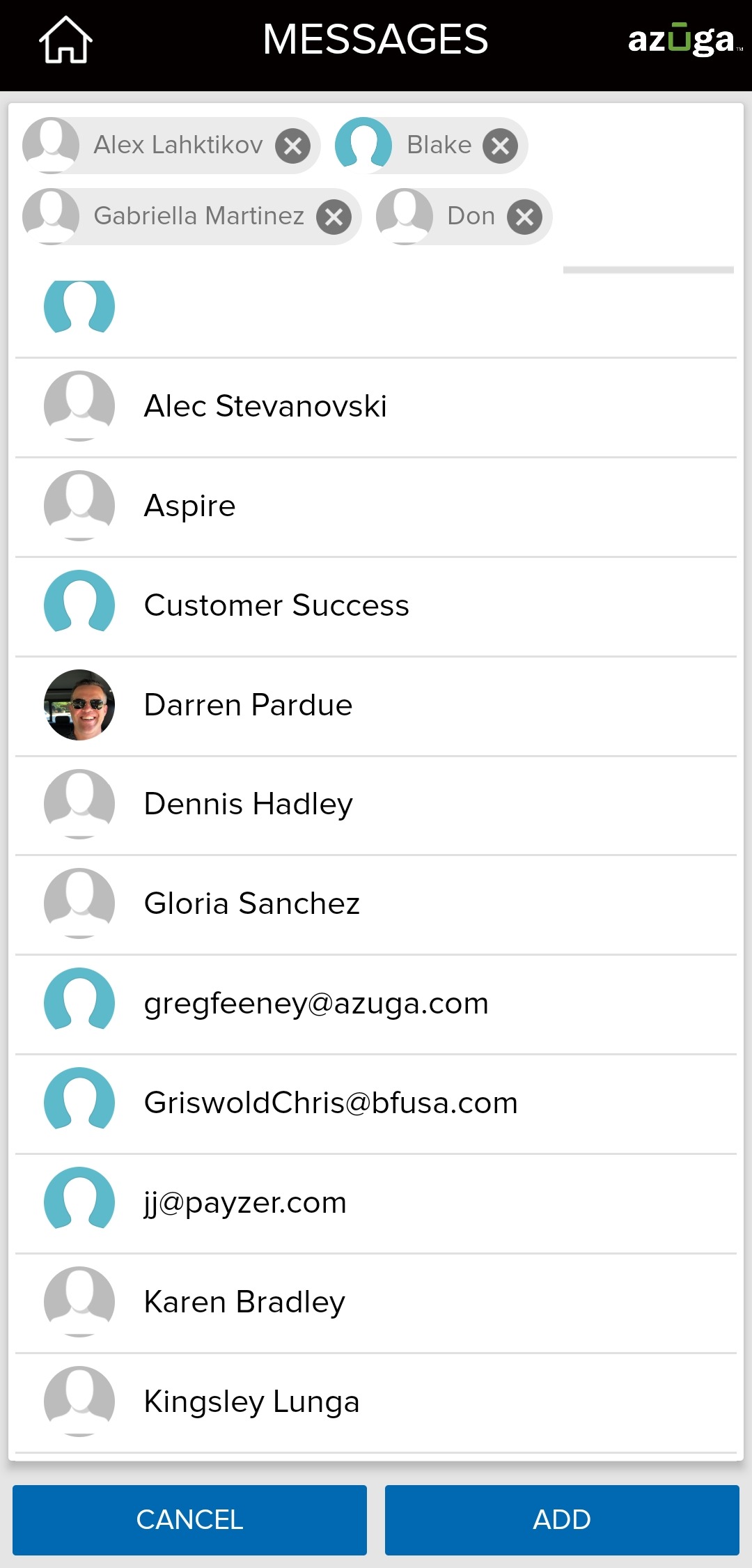
5. Select a contact. More than one contact can be selected at once.
6. Tap the ADD button.
Was this article helpful?
That’s Great!
Thank you for your feedback
Sorry! We couldn't be helpful
Thank you for your feedback
Feedback sent
We appreciate your effort and will try to fix the article