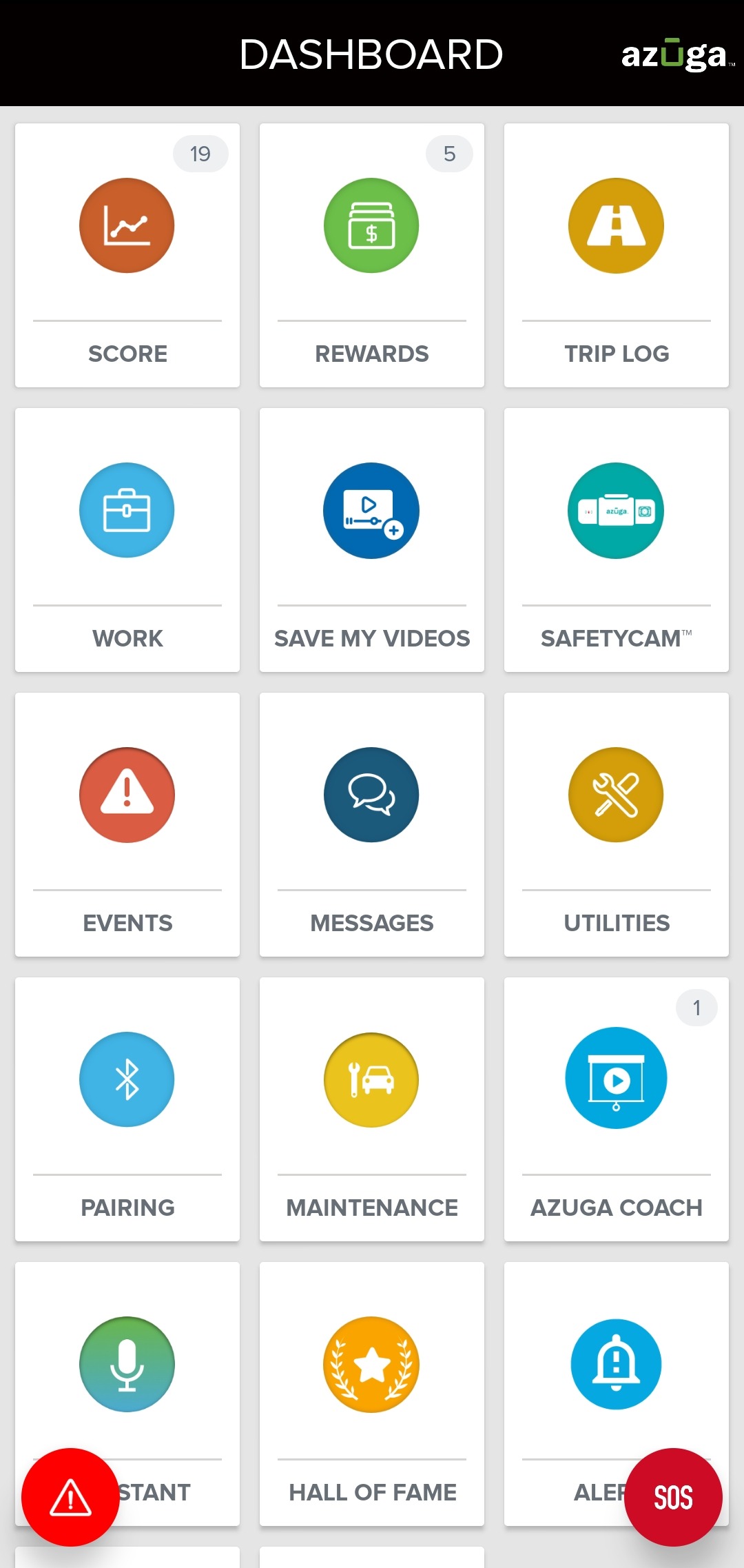
1. From your Dashboard, tap Utilities.
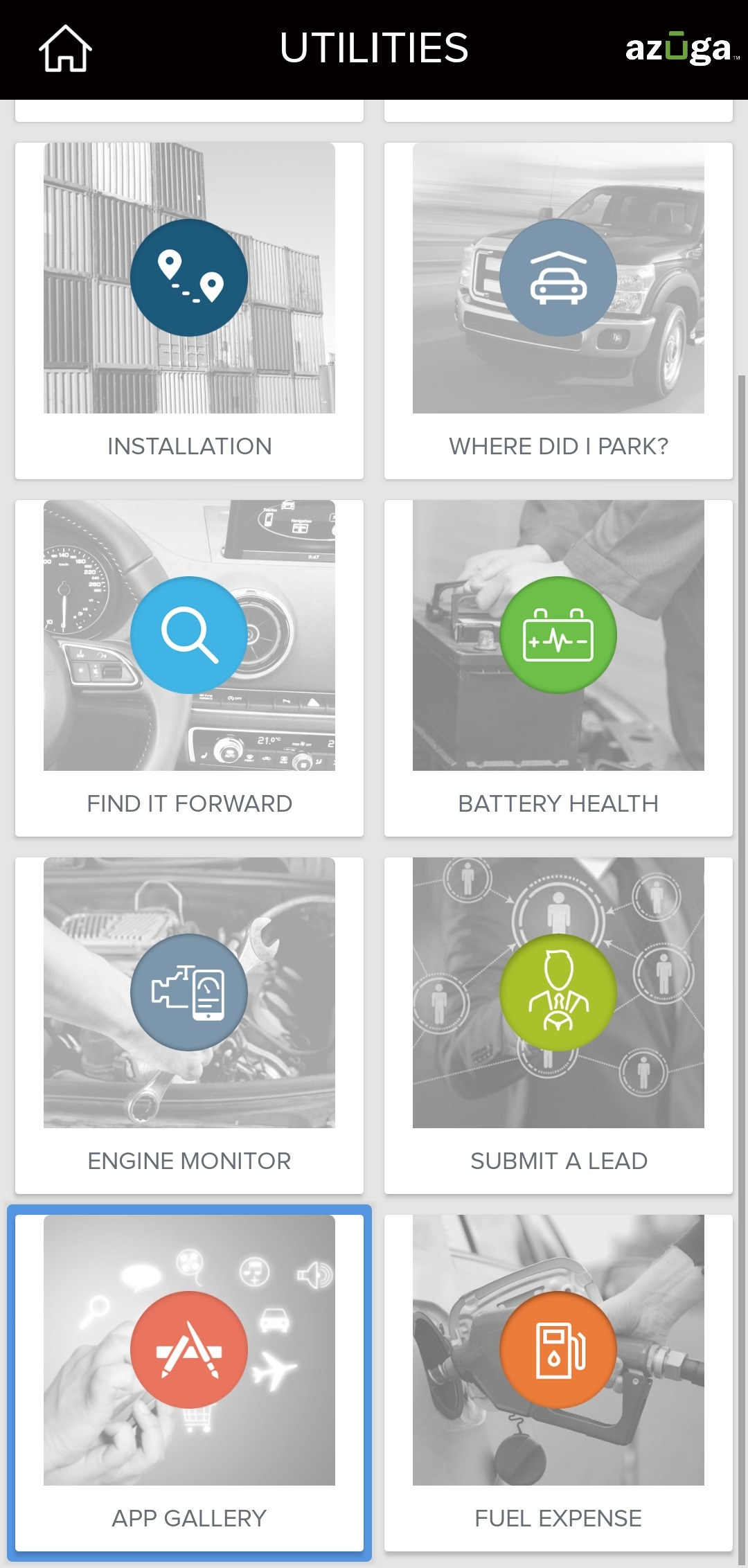
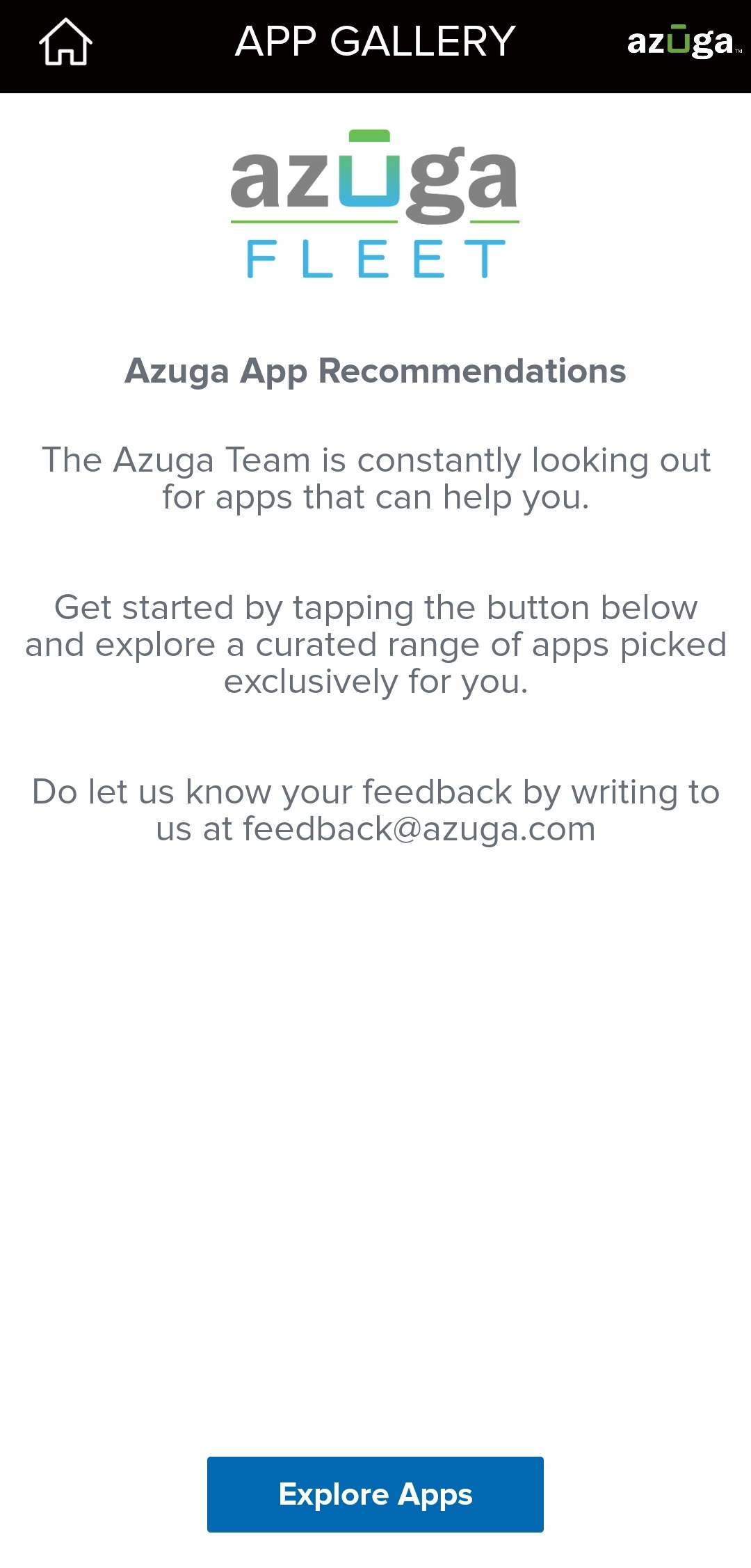
2. Tap App Gallery and tap Explore Apps.
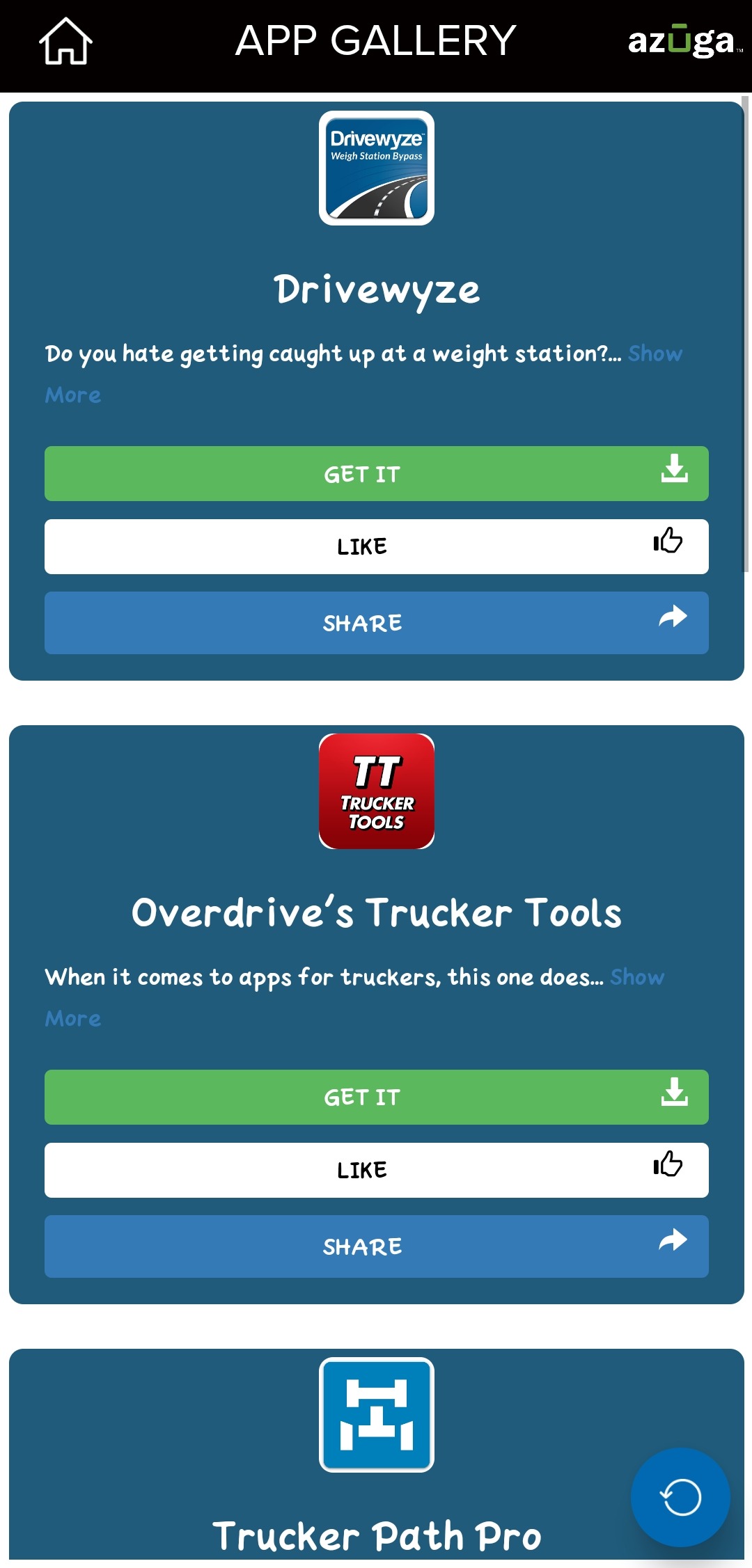
3. From the list of apps displayed, select the app you wish to install and tap Get IT. This redirects you to the Google Play Store, from which you can install the app.
Was this article helpful?
That’s Great!
Thank you for your feedback
Sorry! We couldn't be helpful
Thank you for your feedback
Feedback sent
We appreciate your effort and will try to fix the article