To claim a reward, please follow the below instructions:
1. Tap on the Rewards tile from your Dashboard.
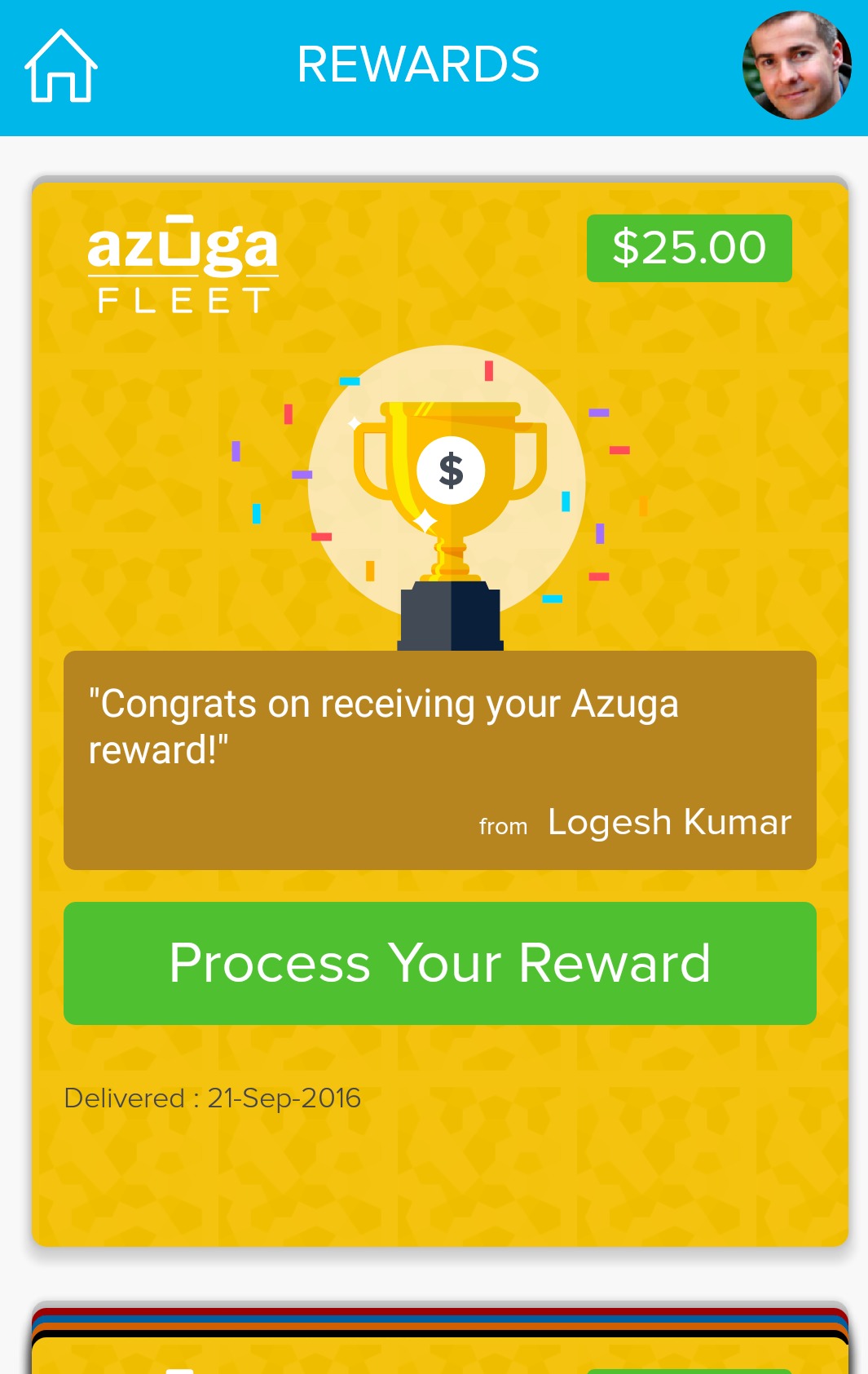
2. Tap the Azuga Fleet card. If you have more than one card, tap the one you wish to redeem.
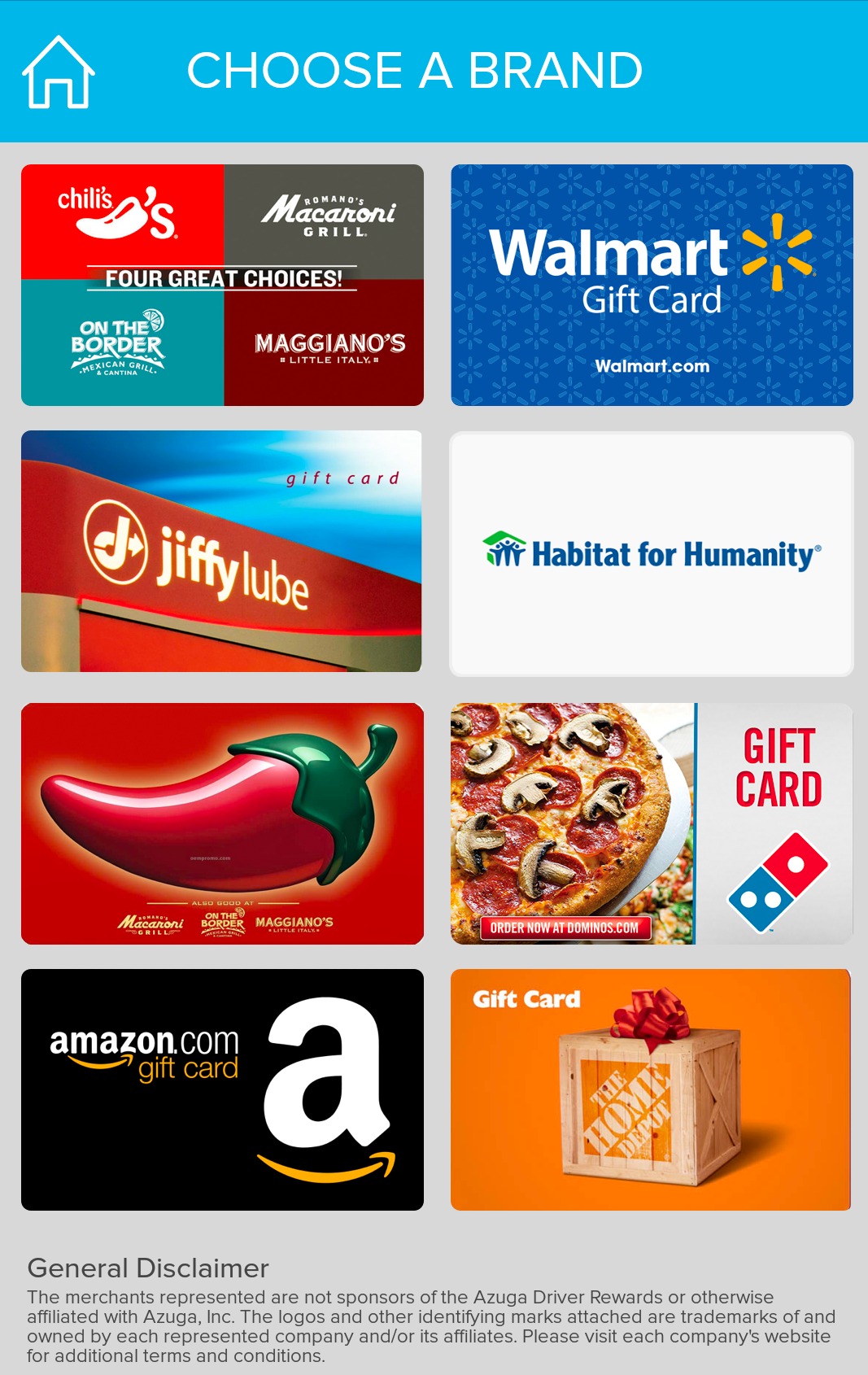
3. Tap the Process Your Reward button and select a brand.
4. Tap the Redeem Your Reward button. This will redirect you to the selected brand’s website. Follow the instructions provided on the website.
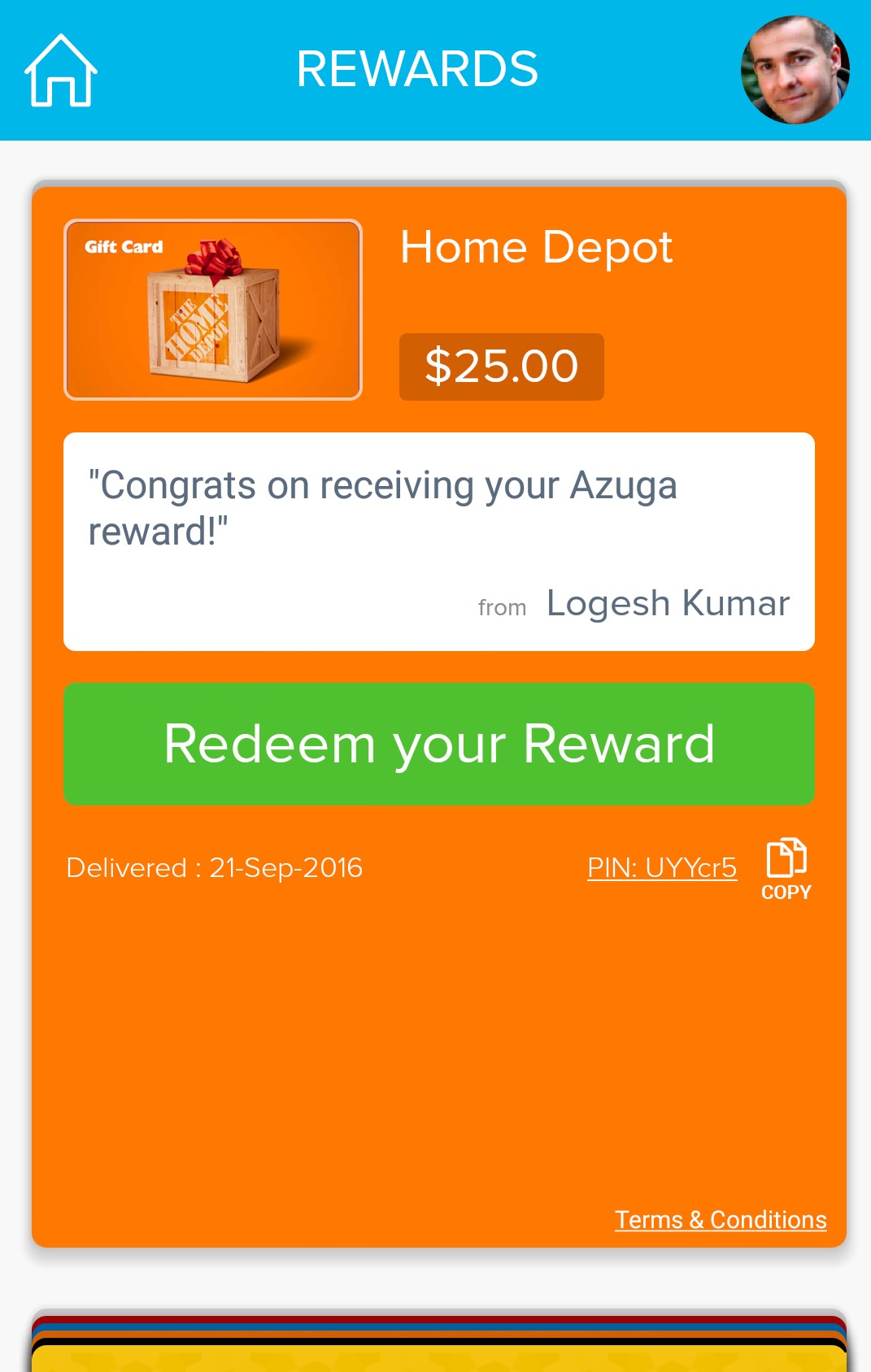
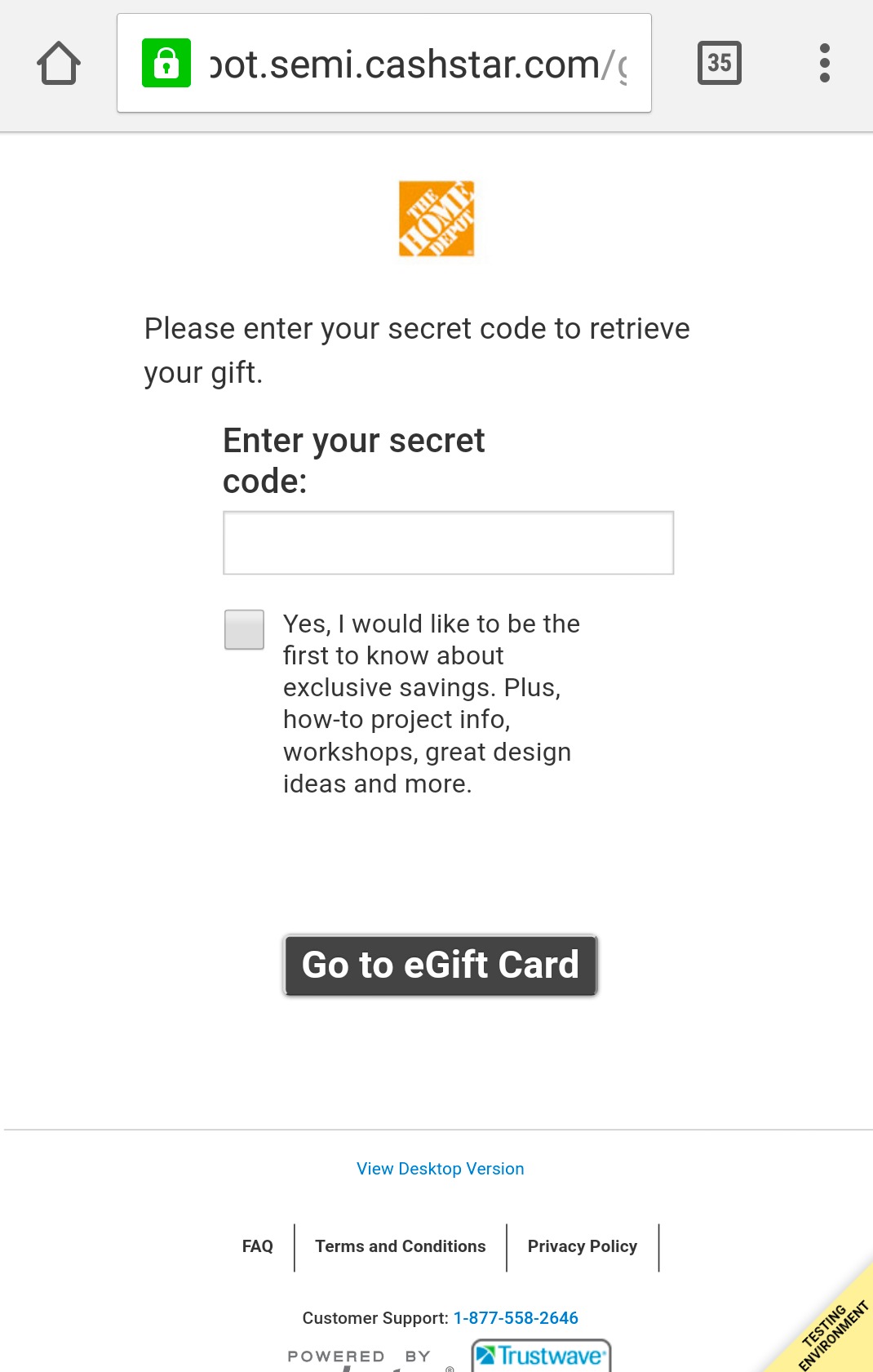
Note: For certain brands, you will need to enter a gift card number on their website. This number can be obtained by copying the PIN from the respective brand’s reward card.
Was this article helpful?
That’s Great!
Thank you for your feedback
Sorry! We couldn't be helpful
Thank you for your feedback
Feedback sent
We appreciate your effort and will try to fix the article