To change the profile picture, follow the below instructions:
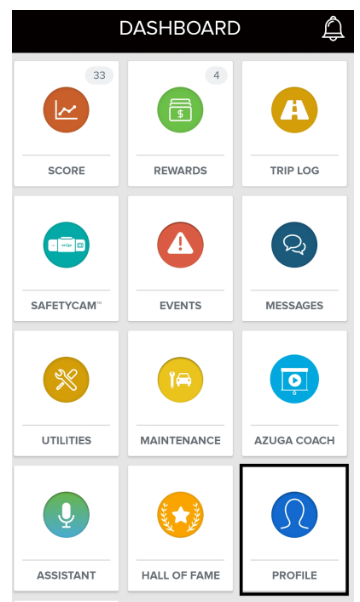
1. From the Dashboard, tap on Profile.
2. Click on Change Photo.
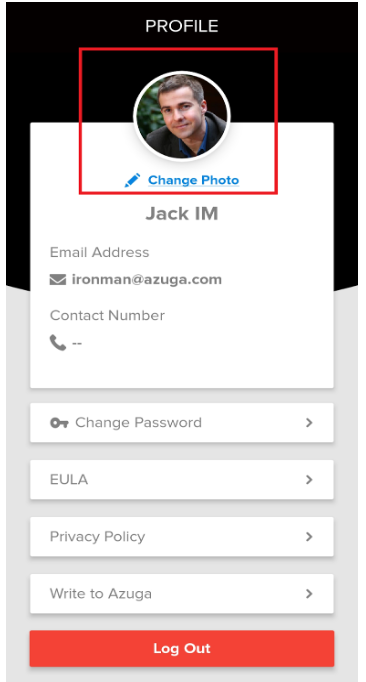
3. Select a picture from your phone gallery or take a selfie from your camera.
4. Move and scale the picture if you wish to and tap Set.
Was this article helpful?
That’s Great!
Thank you for your feedback
Sorry! We couldn't be helpful
Thank you for your feedback
Feedback sent
We appreciate your effort and will try to fix the article