To change date format:
1. From your Dashboard, tap on the Settings tile.
2. Under the Date Time Preference section, select the date format you wish to use from the drop down for the Date For.
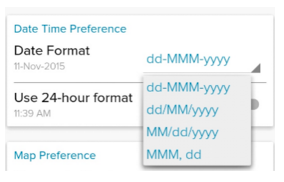
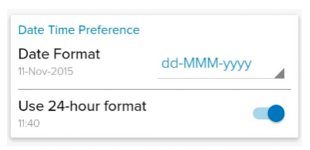
If you wish to use the 24-hour format, toggle the switch beside the field Use 24-hour format.
If you are currently using the 24-hour format and if you wish to disable it, toggle the switch beside the field Use 24-hour format.
Was this article helpful?
That’s Great!
Thank you for your feedback
Sorry! We couldn't be helpful
Thank you for your feedback
Feedback sent
We appreciate your effort and will try to fix the article