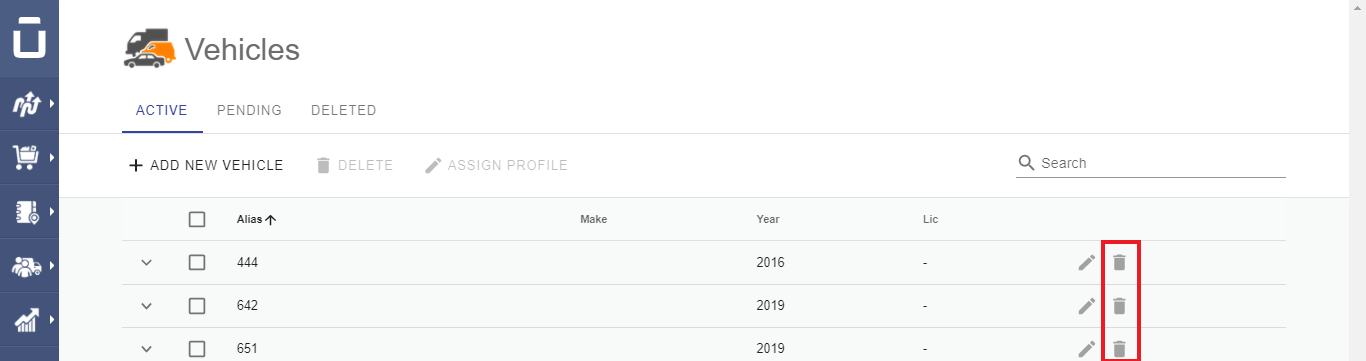
To deactivate or delete an Active Vehicle, click on the Trash icon next to the preferred vehicle. Additionally, you can delete multiple Active Vehicles at a time. Specifically, select the vehicles you want to delete by checking the respective boxes and then click on the Delete button.
Was this article helpful?
That’s Great!
Thank you for your feedback
Sorry! We couldn't be helpful
Thank you for your feedback
Feedback sent
We appreciate your effort and will try to fix the article