To power on the device, use a magnet to approach the magnetic reed switch. The reed switch detects the presence of magnetic fields and defaults to an open position and powers on the asset tracker.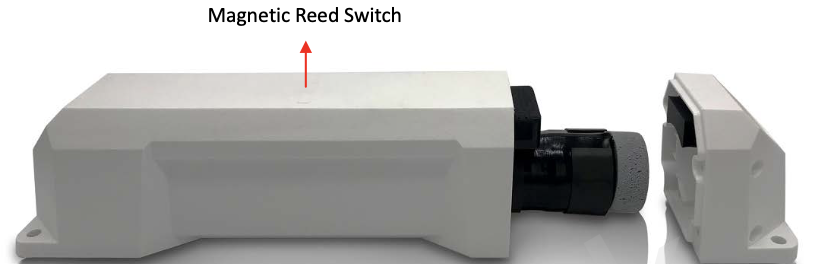
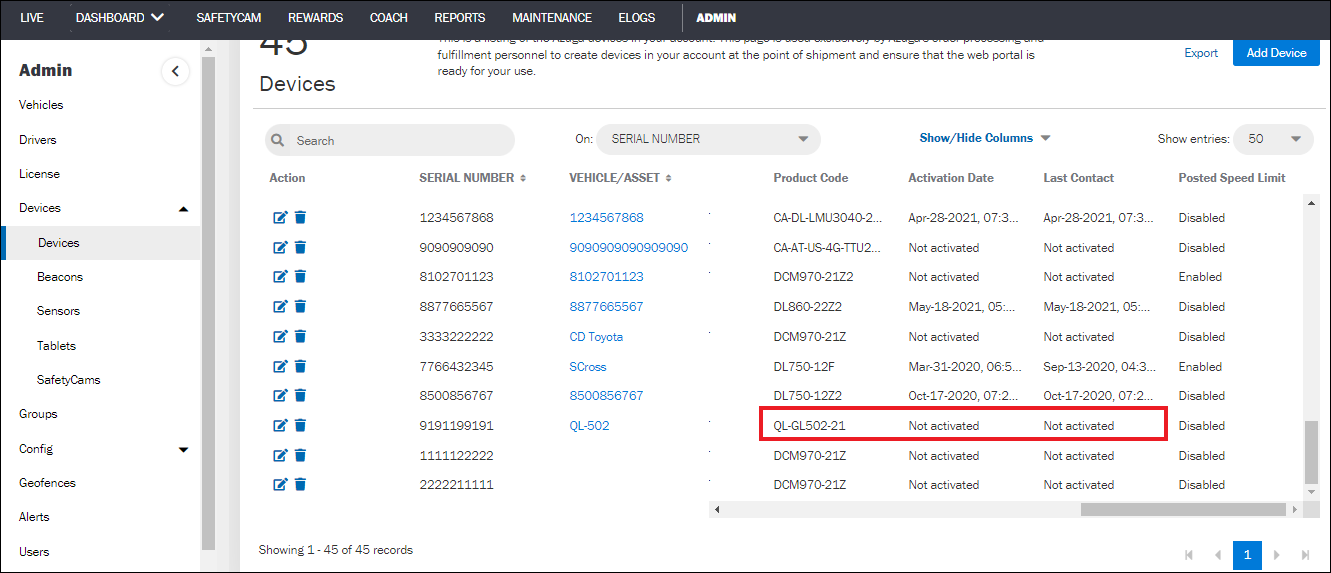
Once the device is activated, you can navigate to the ADMIN section on the Azuga UI to confirm the status. The status of the device can be viewed under the Activation status column under ADMIN >> Devices >> Activation Date.
Was this article helpful?
That’s Great!
Thank you for your feedback
Sorry! We couldn't be helpful
Thank you for your feedback
Feedback sent
We appreciate your effort and will try to fix the article