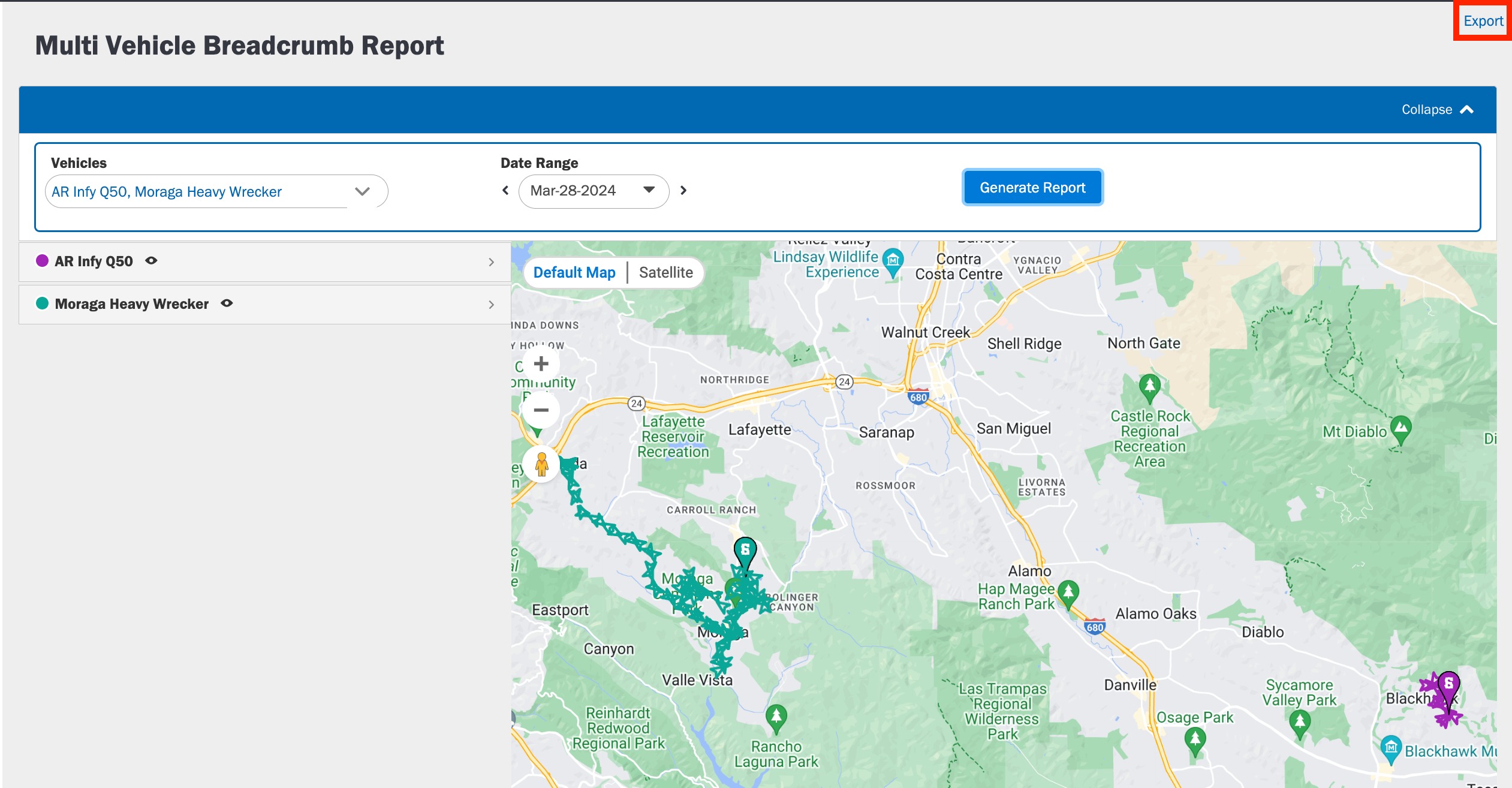
A Multi Vehicle Breadcrumb report provides the breadcrumb trail of upto Three vehicle’s movement for any day. It contains a detailed summary of the route taken by the vehicle. It also helps you determine the flow of events which have taken place during that trip.
To Generate a Multi Vehicle Breadcrumb report:
1. Log in to the Azuga Web application.
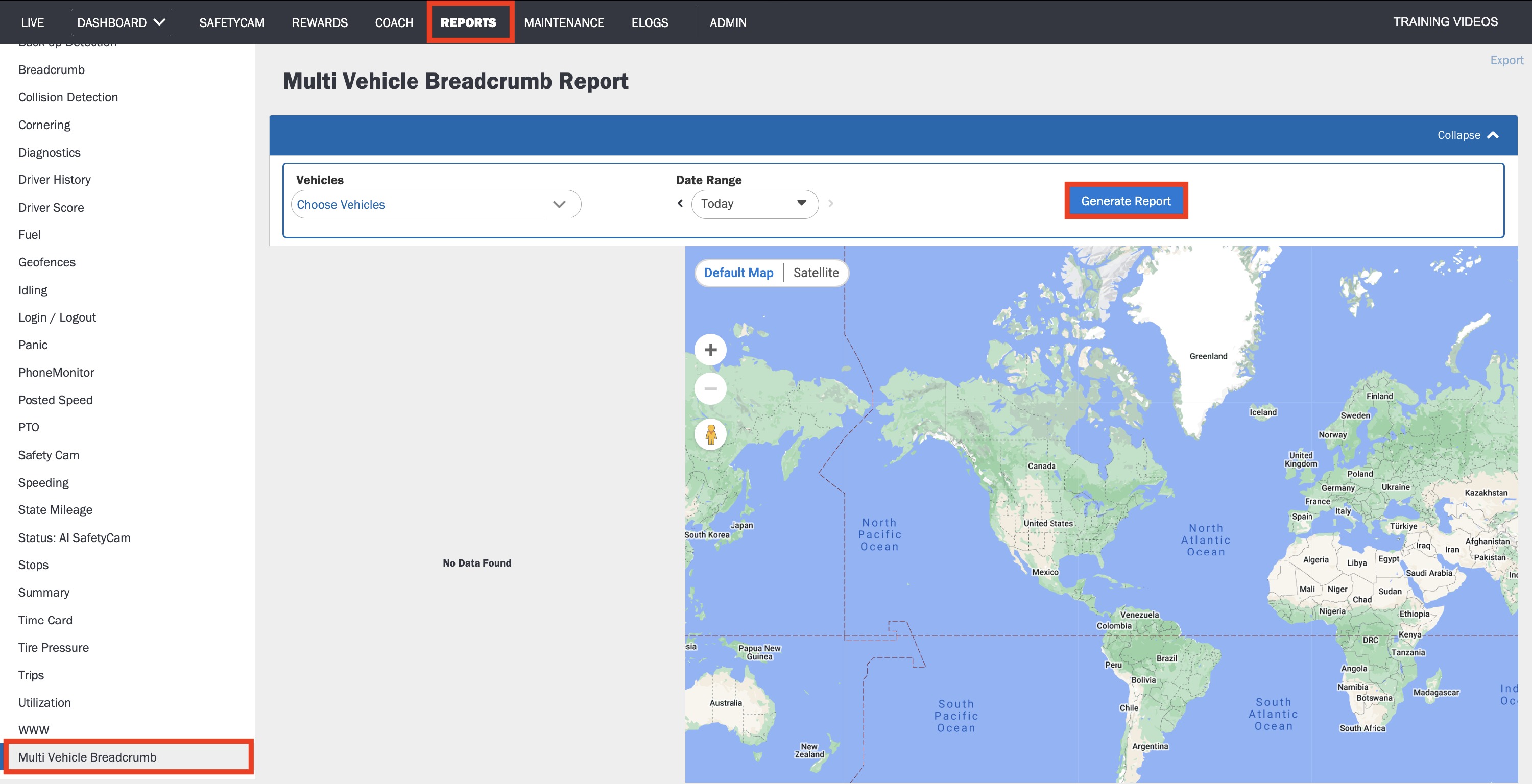
2. Navigate to the Multi Vehicle Breadcrumb page, under the Reports tab.
3. Select Vehicles that need to included in the report (upto 3 vehicles).
4. Using the date picker, select a date.
5. Click Generate Report.
To export the Report in PDF or XLSX format to your system, click the Export button.
Was this article helpful?
That’s Great!
Thank you for your feedback
Sorry! We couldn't be helpful
Thank you for your feedback
Feedback sent
We appreciate your effort and will try to fix the article